Table of Contents
- What Is SPDIF?
- What Is Optical Audio?
- SPDIF vs Optical: Key Differences
- Which Should You Use?
- Frequently Asked Questions[+]
- SPDIF Connector Types and Specifications
- Optical Connector Types and Specifications
- SPDIF vs Optical for Home Theater
- SPDIF vs Optical for Gaming
- SPDIF vs Optical: Common Problems and Troubleshooting
- My Recommendation for SPDIF vs Optical[+]
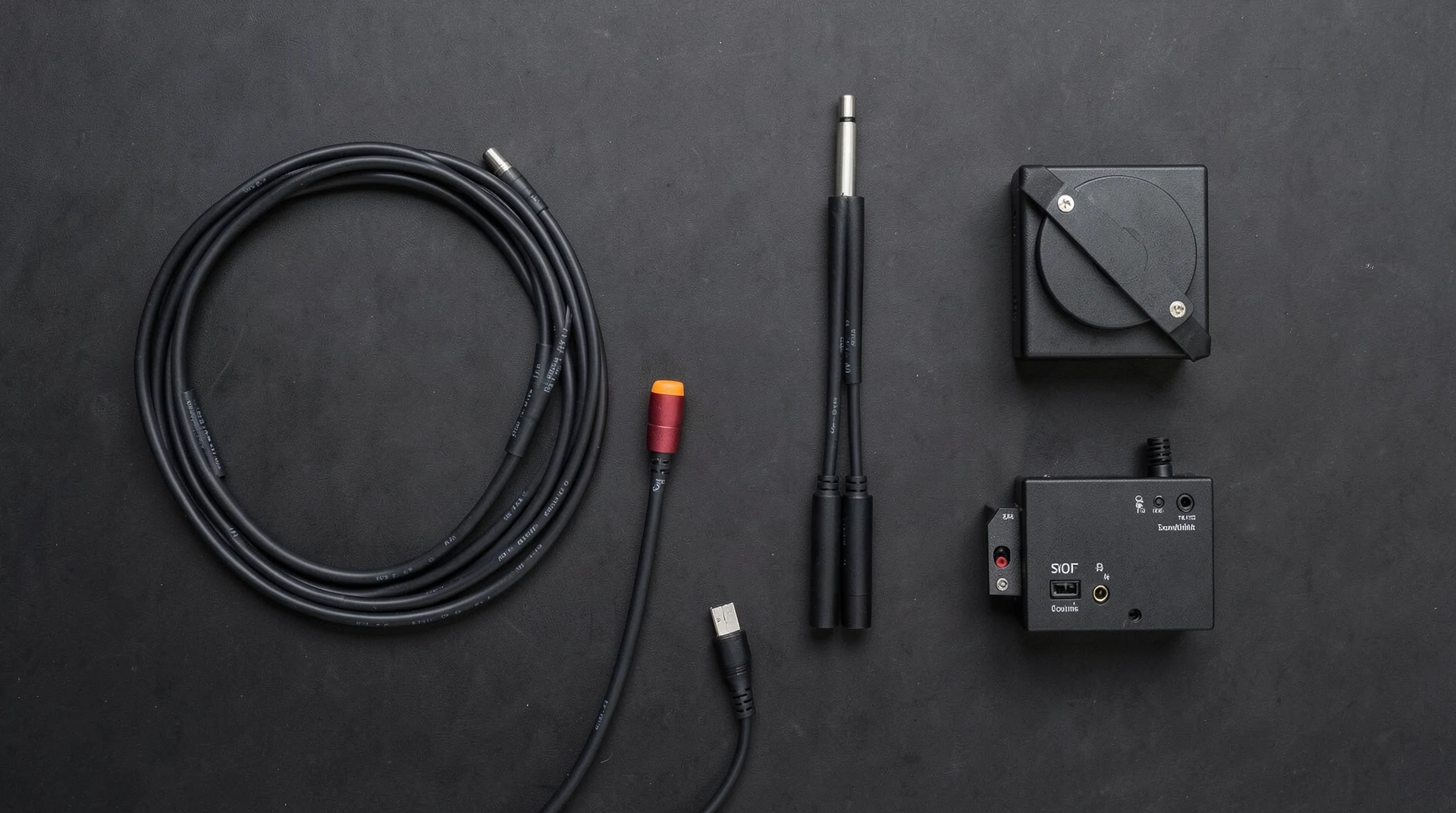
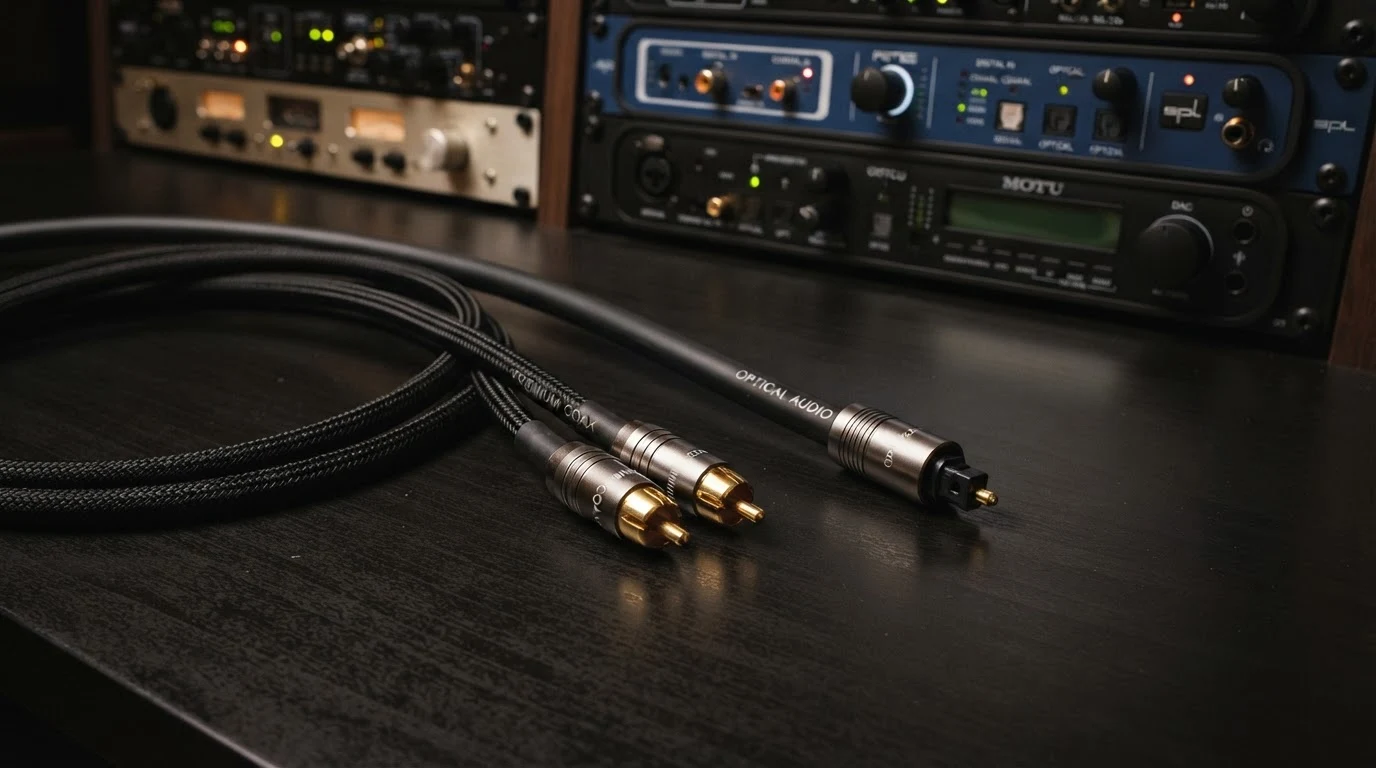
Updated July 2026. SPDIF and Optical are both digital audio interfaces that transmit audio signals between devices. The main difference is the type of cable they use. SPDIF typically uses coaxial cables with RCA connectors, while Optical uses fiber optic cables with Toslink connectors. Both carry the same types of digital audio signals and provide similar audio quality. This article explains the differences in detail.
SPDIF stands for Sony-Philips Digital Interface. It is a standard for transmitting digital audio signals between devices. SPDIF can use either coaxial cables with RCA connectors or optical cables with Toslink connectors. The coaxial version of SPDIF uses an electrical signal, while the optical version uses light pulses. Both versions carry the same digital audio data and support the same audio formats.
What Is SPDIF?
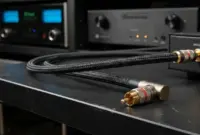
SPDIF is a digital audio interface standard developed by Sony and Philips. It transmits digital audio signals between devices such as CD players, DVD players, game consoles, and AV receivers. SPDIF uses a coaxial cable with RCA connectors for the electrical version. The cable has a 75-ohm impedance and carries the digital audio signal as an electrical voltage. SPDIF supports stereo PCM audio up to 24-bit/192 kHz and compressed surround sound formats like Dolby Digital and DTS up to 5.1 channels. The maximum bitrate for SPDIF is about 384 kbps for compressed surround sound. The maximum cable length for coaxial SPDIF is about 10 meters. SPDIF is also known as the IEC 60958 standard. The coaxial version uses RCA connectors that are colored orange or black to distinguish them from analog audio connectors.
What Is Optical Audio?
Optical audio, also known as Toslink, is a digital audio interface that uses fiber optic cables to transmit audio signals as pulses of light. The optical cable has a fiber optic core surrounded by a protective jacket. The connector is a square or trapezoidal Toslink connector with a spring-loaded shutter. Optical audio supports the same audio formats as SPDIF: stereo PCM up to 24-bit/192 kHz and compressed surround sound up to 5.1 channels. The maximum bitrate is about 384 kbps. The maximum cable length for optical audio is about 5 to 10 meters, depending on the cable quality. Optical audio is immune to electromagnetic interference, which makes it a better choice in environments with high levels of electrical noise. The optical cable does not carry any electrical current, so it cannot cause ground loops between connected devices.
SPDIF vs Optical: Key Differences
The main difference between SPDIF and Optical is the cable type. SPDIF uses a copper coaxial cable with RCA connectors. Optical uses a fiber optic cable with Toslink connectors. Both carry the same digital audio signals and support the same audio formats. The audio quality is identical when both connections are working properly. The choice between SPDIF and Optical depends on your equipment and installation requirements. Optical audio is immune to electromagnetic interference, making it the better choice in environments with high electrical noise. Coaxial SPDIF is less susceptible to cable damage and can be bent more sharply without signal loss. Optical cables can be damaged if bent too sharply. Coaxial SPDIF can carry signals over slightly longer distances than optical audio. The maximum cable length for coaxial SPDIF is about 10 meters, while optical audio is limited to about 5 to 10 meters. Coaxial SPDIF connectors are more robust than optical Toslink connectors. The optical connector can be damaged if the cable is inserted at an angle or if the spring-loaded shutter breaks.
Which Should You Use?
The choice between SPDIF and Optical depends on your equipment and specific needs. If your equipment has both connections, use the one that is most convenient. The audio quality is identical. If you’re experiencing ground loop hum or interference with other audio connections, optical audio is the better choice because it’s immune to interference. If you need a longer cable run, coaxial SPDIF is slightly better. If you’re connecting equipment in a high-interference environment like a computer room or near electrical equipment, optical audio is the better choice. For most home audio setups, the difference between SPDIF and Optical is negligible. Use whichever connection your equipment supports. If you have the choice, optical audio is slightly preferred for its immunity to interference.
Frequently Asked Questions
Is SPDIF better than Optical?
No, SPDIF and Optical provide identical audio quality. They carry the same digital audio signals. The choice between them depends on your equipment and installation requirements, not audio quality.
Can I convert SPDIF to Optical?
Yes, you can convert SPDIF coaxial to Optical using a converter box. The converter receives the electrical SPDIF signal and converts it to an optical signal. These converters are inexpensive and widely available.
Does SPDIF support Dolby Atmos?
No, SPDIF does not support Dolby Atmos. It is limited to compressed surround sound formats like Dolby Digital and DTS up to 5.1 channels. Dolby Atmos requires HDMI or a newer audio connection.
What is the maximum cable length for SPDIF?
The maximum recommended cable length for coaxial SPDIF is about 10 meters. For optical SPDIF, the maximum recommended length is about 5 to 10 meters, depending on cable quality.
Written by James Core, technology writer and audio specialist. Updated July 2026.
SPDIF Connector Types and Specifications
The coaxial SPDIF connection uses RCA connectors, which are the same type used for analog audio and video. The RCA connector for SPDIF is typically colored orange or black to distinguish it from analog audio connectors. The cable must have a 75-ohm impedance, which is different from standard analog audio cables that have a higher impedance. Using a standard analog audio cable for SPDIF can cause signal reflections and data errors. The RCA connector is a simple push-in connector that is easy to use but can be pulled out accidentally. Some SPDIF connections use BNC connectors instead of RCA connectors. BNC connectors are more secure and provide better signal quality. The BNC connector locks into place with a quarter-turn, preventing accidental disconnection. BNC connectors are more common on professional audio equipment. The impedance of the SPDIF connection is critical for signal integrity. The cable, connectors, and output and input circuits must all have a 75-ohm impedance. Any mismatch in impedance causes signal reflections that can result in data errors, clicks, pops, or complete signal loss. For the best results, use a dedicated SPDIF cable rather than a standard analog audio cable.
Optical Connector Types and Specifications
The optical audio connection uses Toslink connectors, which are square or trapezoidal in shape. The connector has a spring-loaded shutter that protects the fiber optic core when not in use. The shutter opens when the connector is inserted into the optical port. The Toslink connector is keyed to prevent incorrect insertion. The fiber optic core is made of either plastic or glass. Plastic optical fiber is more common and less expensive, while glass optical fiber provides better performance over longer distances. The fiber optic core is surrounded by a protective jacket that prevents damage from bending and crushing. The quality of the optical cable affects the signal quality. Higher quality cables have better-polished ends that transmit more light, resulting in a stronger signal. Some optical audio connections use a mini-Toslink connector, which is smaller than the standard Toslink connector. Mini-Toslink connectors are commonly found on computers and portable devices. The mini-Toslink connector looks like a 3.5mm headphone jack but is optically different. You can use a mini-Toslink to standard Toslink adapter cable to connect mini-Toslink devices to standard Toslink inputs.
SPDIF vs Optical for Home Theater
For home theater systems, both SPDIF and Optical can be used to connect sources like DVD players, game consoles, and cable boxes to an AV receiver or soundbar. Both connections support the same audio formats, including Dolby Digital and DTS up to 5.1 channels. For most home theater systems, the choice between SPDIF and Optical is a matter of convenience. Use whichever connection your equipment supports. If your equipment has both connections, optical audio is slightly preferred because it eliminates the possibility of ground loop hum. However, both connections provide identical audio quality when working properly. The main limitation of both SPDIF and Optical for home theater is that they cannot carry the newer object-based audio formats like Dolby Atmos and DTS:X. These formats require HDMI for full support. If you have a Dolby Atmos sound system, you need to use HDMI for the Dolby Atmos signal. SPDIF and Optical can only carry the core Dolby Digital or DTS signal, which is limited to 5.1 channels. For legacy home theater systems without HDMI, SPDIF or Optical is the standard connection for digital audio. Both provide excellent audio quality for Dolby Digital and DTS surround sound.
SPDIF vs Optical for Gaming
For gaming, both SPDIF and Optical can provide high-quality digital audio. Game consoles like the PlayStation 4, Xbox One, and Nintendo Switch have optical audio outputs that can be connected to a soundbar or AV receiver. The PlayStation 5 and Xbox Series X have moved to HDMI for all audio, but they still support optical audio through the HDMI connection or through the TV’s optical output. For gaming, the audio quality of SPDIF and Optical is identical. Both support Dolby Digital and DTS surround sound, which provide an immersive gaming experience. The main advantage of optical audio for gaming is that it eliminates the possibility of ground loop hum, which can cause buzzing or humming sounds through the speakers. The main disadvantage of both SPDIF and Optical for gaming is that they cannot carry the higher-quality audio formats like Dolby Atmos and DTS:X that are available on newer consoles. For the best gaming audio experience, use HDMI for Dolby Atmos support. If your gaming setup doesn’t support HDMI audio, SPDIF or Optical is a good alternative that provides excellent audio quality.
SPDIF vs Optical: Common Problems and Troubleshooting
The most common problem with SPDIF connections is no sound. This is usually caused by a loose connection or incorrect audio settings. Make sure the cable is fully inserted and the connection is secure. Check the audio settings on your source device and make sure the digital audio output is enabled. The second most common problem is intermittent sound or dropouts. This is usually caused by a damaged cable or a loose connection. Try reseating the cable at both ends. If the problem persists, try a different cable. For optical connections, the most common problem is a damaged fiber optic cable. Optical cables can be damaged if bent too sharply or if the connector is crushed. Inspect the cable for visible damage. The fiber optic tip should be clean and free of scratches. Dirty or scratched tips can cause signal loss or intermittent sound. Clean the tip with a lint-free cloth and isopropyl alcohol if needed. For SPDIF coaxial connections, the most common problem is using the wrong type of cable. Standard analog audio cables have a different impedance than SPDIF cables. Using an analog audio cable for SPDIF can cause signal reflections and data errors. Use a dedicated SPDIF cable with 75-ohm impedance for the best results. Ground loop hum is another common problem with SPDIF coaxial connections. The hum is caused by a difference in ground potential between the connected devices. If you’re experiencing ground loop hum, try using an optical connection instead of SPDIF, as optical connections are immune to ground loops.
My Recommendation for SPDIF vs Optical
Based on my experience with audio equipment and installations, I recommend using optical audio when possible. Optical audio provides the same audio quality as SPDIF but is immune to interference and ground loop hum. The optical cable is also more durable in terms of signal quality, as it is not affected by electromagnetic interference. If your equipment doesn’t have an optical input, SPDIF coaxial is an excellent alternative. Use a dedicated SPDIF cable with 75-ohm impedance for the best results. For most home audio setups, the difference between SPDIF and Optical is negligible. Both provide excellent audio quality and reliable performance. The choice between them is primarily determined by the connections available on your equipment. For new installations, consider using HDMI for audio when possible, as it supports higher quality audio formats and carries both video and audio in a single cable. SPDIF and Optical are best used for legacy equipment or as a backup connection method.
Related posts