Table of Contents
- What Is a Coaxial Cable?
- What Is an HDMI Cable?
- Coaxial vs HDMI: Key Differences
- Which Cable Should You Use?
- Frequently Asked Questions[+]
- Coaxial Cable Types and Their Specifications
- HDMI Cable Types and Specifications
- Coaxial vs HDMI for Internet Connections
- Coaxial vs HDMI for Security Cameras
- Coaxial vs HDMI for Audio Systems
- Coaxial vs HDMI: Installation and Connectors
- My Recommendation for Cable Selection[+]
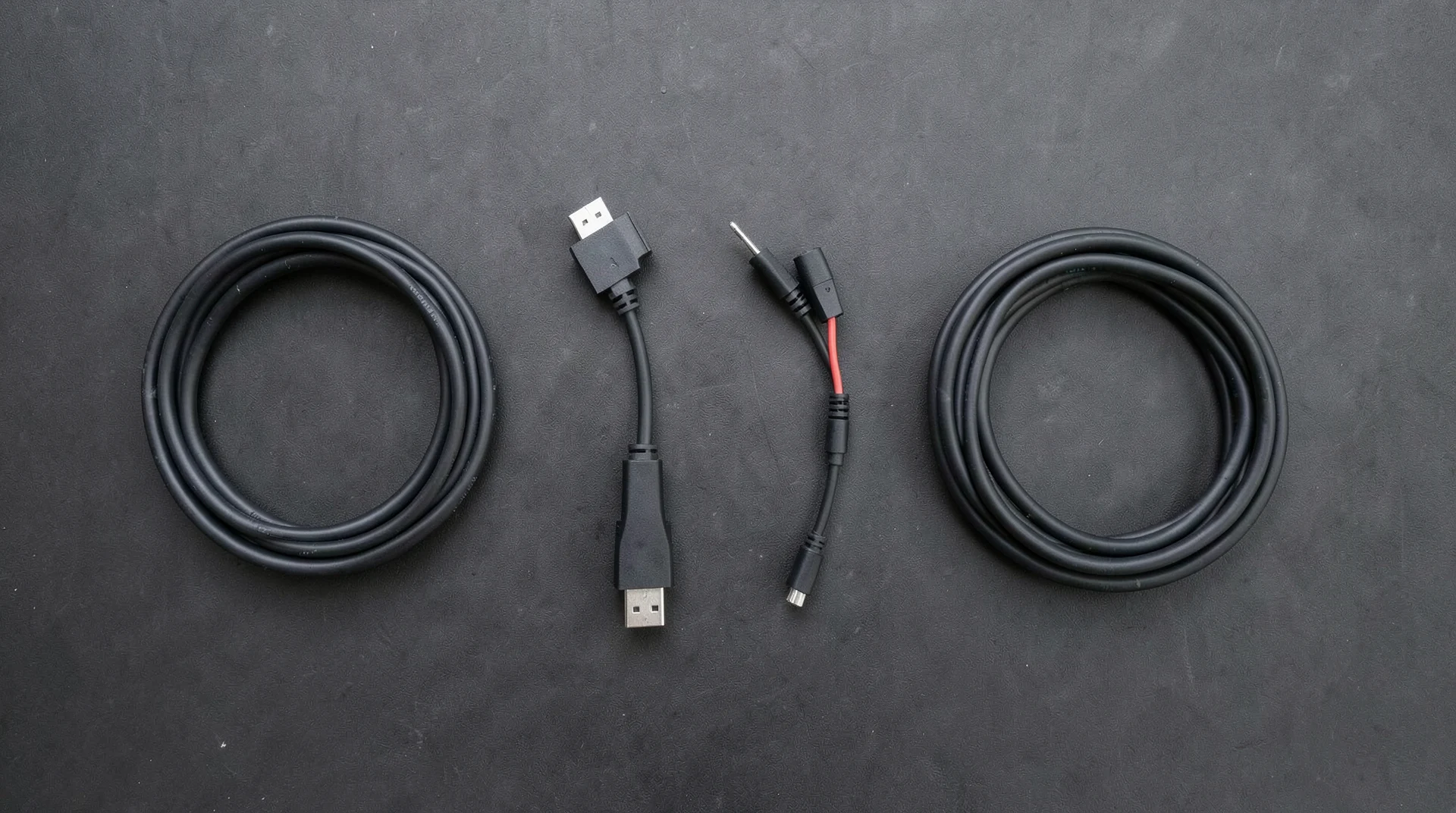
Updated July 2026. Coaxial cables and HDMI cables serve different purposes and are not directly interchangeable. Coaxial cables transmit radio frequency signals, while HDMI cables transmit digital video and audio signals. The main differences are the type of signal they carry, the connector type, and their typical applications. This article explains the differences in detail and helps you choose the right cable for your needs.
Coaxial cables have been used since the early 20th century for transmitting radio frequency signals. They consist of a copper center conductor, a dielectric insulator, a braided shield, and an outer jacket. The shield protects the signal from electromagnetic interference, allowing coaxial cables to carry signals over long distances. HDMI cables were introduced in 2002 as a digital replacement for analog video standards. They carry uncompressed digital video and audio signals over a single cable. HDMI cables are used in home theater systems, gaming consoles, and computer monitors.
What Is a Coaxial Cable?
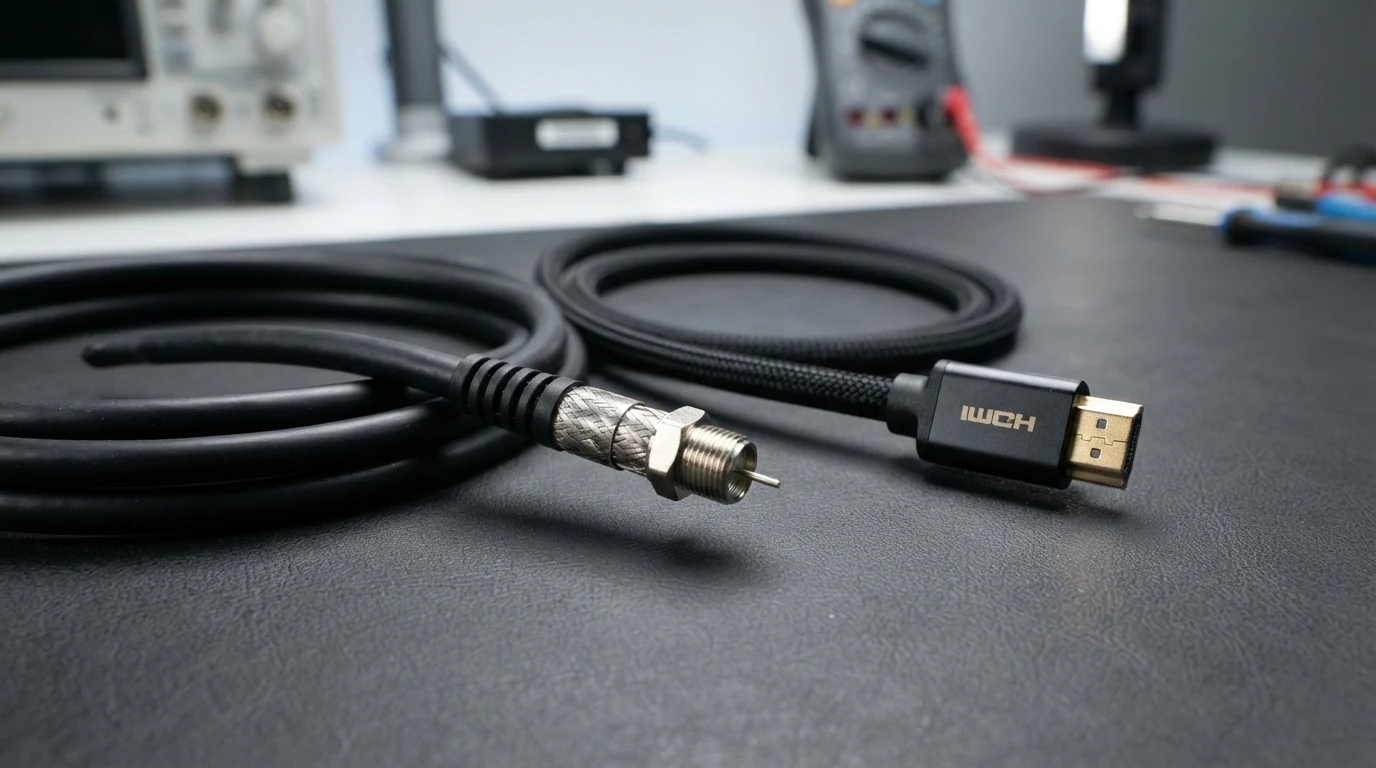
A coaxial cable is a type of electrical cable that transmits radio frequency signals. It has a copper center conductor surrounded by a dielectric insulator, a braided copper shield, and an outer plastic jacket. The shield protects the signal from interference, allowing coaxial cables to carry signals over distances of up to several hundred feet. Coaxial cables are used for cable television, internet connections, security cameras, and radio frequency applications. The most common types of coaxial cable are RG6 and RG59. RG6 is used for cable TV and internet, while RG59 is used for analog video and security cameras. Coaxial cables use F-type connectors for TV and internet connections, or BNC connectors for video applications.
What Is an HDMI Cable?
An HDMI cable is a digital interface for transmitting uncompressed video and audio signals. It was developed by a consortium of electronics companies. HDMI cables support high-definition video up to 4K and 8K resolutions, multi-channel surround sound, and Ethernet data. The latest HDMI standard is HDMI 2.1, which supports 4K at 120Hz, 8K at 60Hz, dynamic HDR, and bandwidth up to 48 Gbps. HDMI cables are used in home theater systems, gaming consoles, computer monitors, projectors, and streaming devices. The connector is a flat, rectangular shape with 19 pins. There are also mini-HDMI and micro-HDMI connectors for portable devices. HDMI cables are typically limited to about 15 meters for reliable signal transmission, though active HDMI cables with built-in signal boosters can reach longer distances.
Coaxial vs HDMI: Key Differences
The most important difference between coaxial and HDMI cables is the type of signal they carry. Coaxial cables carry analog or digital radio frequency signals, while HDMI cables carry uncompressed digital video and audio. Coaxial cables can transmit signals over much longer distances than HDMI cables. A coaxial cable can carry a signal up to 300 meters with proper amplification, while an HDMI cable is limited to about 15 meters without a signal booster. Another difference is signal quality. HDMI cables carry digital signals that are immune to interference and signal degradation. Coaxial cables can be affected by electromagnetic interference, which can cause signal degradation over long distances. Coaxial cables are also more durable and weather-resistant than HDMI cables, making them suitable for outdoor installations.
Which Cable Should You Use?
For most home entertainment applications and setups, HDMI is the better choice because it carries both video and audio signals, supports higher resolutions, and provides better signal quality. Coaxial cables are still used for cable TV and internet connections, as well as for security cameras and other applications that require long cable runs. If you’re connecting a streaming device, game console, or Blu-ray player to your TV, use an HDMI cable. If you’re connecting a cable TV box or antenna to your TV, use a coaxial cable. If you’re installing a security camera system, use coaxial cables with BNC connectors for analog cameras or Ethernet cables for IP cameras.
Frequently Asked Questions
Can I use a coaxial cable instead of HDMI?
No, coaxial cables and HDMI cables are not interchangeable. Coaxial cables carry radio frequency signals, while HDMI cables carry digital video and audio. You cannot connect an HDMI device to a coaxial input or vice versa without a converter.
Can I convert coaxial to HDMI?
Yes, you can convert coaxial signals to HDMI using a digital converter box. These are commonly used to connect older coaxial-only TVs to modern HDMI devices. The converter box receives the coaxial signal and outputs it through HDMI.
Which cable has better picture quality?
HDMI provides better picture quality because it carries uncompressed digital signals. Coaxial cables can also carry high-definition signals, but the quality depends on the signal source and the cable quality. For the best picture quality, use HDMI.
How long can coaxial and HDMI cables be?
Coaxial cables can run up to 300 meters with proper amplification. HDMI cables are limited to about 15 meters without a signal booster. Active HDMI cables with built-in boosters can reach up to 30 meters.
Written by James Core, technology writer. Updated July 2026.
Coaxial Cable Types and Their Specifications
The two most common types of coaxial cable for home use are RG6 and RG59. RG6 has a thicker center conductor and better shielding than RG59, which makes it suitable for higher frequency signals like satellite TV and broadband internet. RG59 is thinner and more flexible, making it suitable for analog video and security camera applications. The impedance of both RG6 and RG59 is 75 ohms, which is the standard for video and RF applications. 50-ohm coaxial cable is used for data networking and radio communications. The signal loss in coaxial cable increases with frequency and cable length. At 1 GHz, RG6 loses about 6 dB per 100 feet, while RG59 loses about 9 dB per 100 feet. This means RG6 can carry signals about 50 percent farther than RG59 at the same frequency. For most home installations, RG6 is the better choice because it provides lower signal loss and better shielding. RG59 should only be used for short runs or when flexibility is more important than signal quality.
HDMI Cable Types and Specifications
HDMI cables have evolved through several standards, each supporting higher resolutions and bandwidth. HDMI 1.4, introduced in 2009, supports 4K at 30Hz and bandwidth up to 10.2 Gbps. HDMI 2.0, introduced in 2013, supports 4K at 60Hz and bandwidth up to 18 Gbps. HDMI 2.1, introduced in 2017, supports 4K at 120Hz, 8K at 60Hz, and bandwidth up to 48 Gbps. HDMI 2.1 also supports dynamic HDR, variable refresh rate, and enhanced audio return channel. Standard HDMI cables are rated for 1080p and 4K at lower refresh rates. High-speed HDMI cables are rated for 4K at 60Hz. Ultra High-Speed HDMI cables are rated for 4K at 120Hz and 8K at 60Hz. When buying HDMI cables, choose the appropriate speed rating that matches your specific equipment and requirements. For most modern home theater systems and entertainment setups, a high-speed HDMI cable is sufficient. For gaming at 4K at 120Hz or 8K content, you need an Ultra High-Speed HDMI cable.
Coaxial vs HDMI for Internet Connections
Coaxial cables are commonly used for internet connections through cable modems. The coaxial cable connects your modem to the cable TV outlet in your wall. The modem converts the coaxial RF signal to an Ethernet signal for your computer or router. The maximum internet speed achievable over coaxial cable depends on the DOCSIS standard used by your cable provider. DOCSIS 3.0 supports speeds up to 1 Gbps downstream. DOCSIS 3.1 supports speeds up to 10 Gbps downstream. The actual speed you get depends on your provider and your equipment. HDMI is not used for internet connections. However, newer HDMI cables with Ethernet capability can carry a 100 Mbps Ethernet connection alongside the video and audio signals. This feature is rarely used in practice because most devices already have Wi-Fi or Ethernet connections. For internet connectivity, coaxial cable to a cable modem is still the most common method for cable internet subscribers.
Coaxial vs HDMI for Security Cameras
Security camera systems commonly use either coaxial cables or Ethernet cables. Analog security cameras use coaxial cables with BNC connectors. These systems are typically lower resolution, with maximum resolutions of 1080p or less. The maximum cable length for analog coaxial security cameras is about 300 meters, making them suitable for large properties. IP security cameras use Ethernet cables and transmit digital video over a network. These systems support higher resolutions, up to 4K and beyond. The maximum cable length for Ethernet is 100 meters without a switch or repeater. In recent years, IP camera systems have become more popular than analog systems because they offer higher resolution, better image quality, and more features. However, analog coaxial systems are still used for their simplicity and long cable run capability. For new installations, IP camera systems with Ethernet cables are recommended for the best image quality and features.
Coaxial vs HDMI for Audio Systems
Coaxial digital audio cables are sometimes used to connect audio equipment. These cables use RCA connectors and carry digital audio signals. Coaxial digital audio supports up to 5.1 channels of surround sound at bitrates up to 384 kbps. The maximum cable length for coaxial digital audio is about 10 meters. HDMI carries both digital video and audio signals, supporting up to 7.1 channels of surround sound and object-based audio formats like Dolby Atmos and DTS:X. HDMI also supports higher bitrates, up to 48 Gbps with HDMI 2.1. For audio-only applications, coaxial digital audio is a viable option if your equipment doesn’t have HDMI. However, HDMI is the better choice for both video and audio because it supports higher quality audio formats and requires only one cable for both signals. Most modern AV receivers and soundbars prioritize HDMI connections for this reason.
Coaxial vs HDMI: Installation and Connectors
The installation requirements for coaxial and HDMI cables are quite different. Coaxial cables require termination with specific connectors, such as F-type connectors for TV and internet, BNC connectors for video, or RCA connectors for audio. The connectors must be properly crimped or compression-fitted to ensure good signal quality. Coaxial cable installation requires specific tools including a cable stripper, crimp tool, and cable cutter. HDMI cables come pre-terminated with standardized connectors. No special tools are needed for installation. You simply plug the cable into the HDMI ports on your devices. The simplicity of HDMI installation is one of its advantages over coaxial cable. HDMI cables are also more flexible and easier to route through entertainment centers and wall cavities. However, HDMI connectors are more fragile than coaxial connectors and can be damaged if bent too sharply. Coaxial cables are more rugged and can withstand rougher handling. For permanent installations in walls or ceilings, coaxial cable is often preferred because of its durability. For connections between components in an entertainment center, HDMI is the more practical choice.
My Recommendation for Cable Selection
Based on my experience installing and using both types of cables, here are my recommendations. For home theater connections between your TV, streaming device, game console, and sound system, use HDMI cables. For cable TV and internet connections, use RG6 coaxial cables with F-type connectors. For security camera installations, use either coaxial cables with BNC connectors for analog systems or Ethernet cables for IP systems. For long cable runs over 50 feet, use coaxial cable for its superior distance capability. For short cable runs under 15 feet, HDMI is the better choice for video quality. If you’re unsure which cable to use, HDMI is the safer choice for most modern home entertainment applications. Coaxial cable should only be used for applications that specifically require it, such as cable TV, internet, or long-distance video transmission.
Choosing the right cable for your specific application ensures you get the best possible performance and reliability from your audio and video equipment.
Understanding the key differences between coaxial and HDMI cables helps you make informed and confident purchasing decisions every time about your home entertainment and audio-visual equipment setup.
Related posts