Table of Contents
- What is the difference between RAM, ROM and storage at a glance?[+]
- What does RAM actually do?[+]
- What does ROM actually do?[+]
- What is storage, and how do HDD, SSD and flash differ?[+]
- What happens when you open an app, step by step?
- Why do phone spec sheets say ROM when they mean storage?[+]
- How much RAM, ROM and storage do you actually need?[+]
- Conclusion: which one should you upgrade?
- FAQ[+]
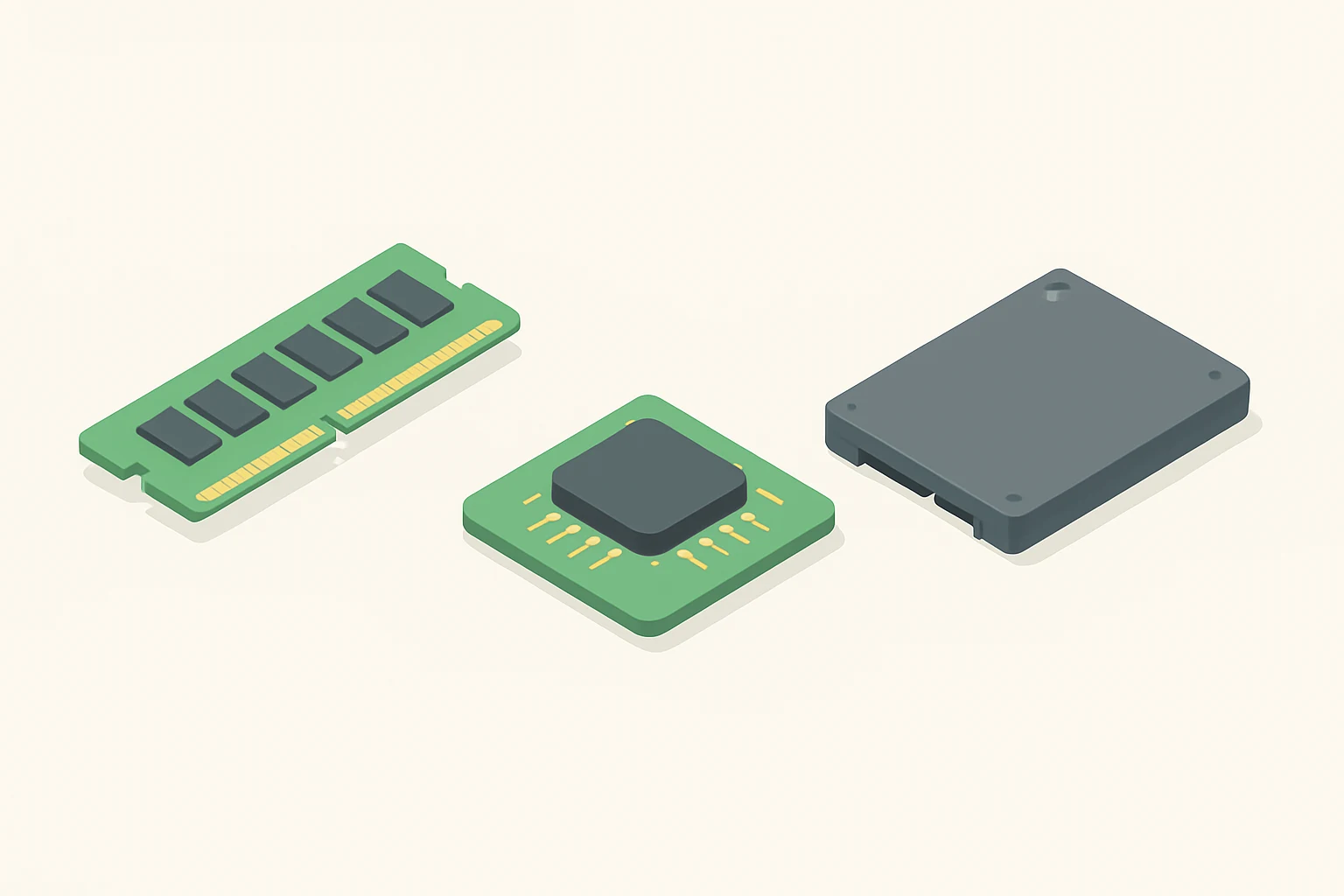
RAM is the fast working memory that empties when the power goes off, ROM is permanent memory that holds the code a device needs to start up, and storage is the large, persistent space where your files and apps live. RAM is the desk you work on, ROM is the instruction plaque bolted to the wall, and storage is the filing cabinet. That single distinction explains almost every confusing spec sheet, every slow laptop, and every “why is my phone full” moment. The three get mixed up because they all sit inside the same machine and all get measured in gigabytes. They do completely different jobs.

What is the difference between RAM, ROM and storage at a glance?
The fastest way to separate them is to ask three questions about each one. Does it keep data without power, what does it hold, and who is allowed to change it. RAM fails the first test, ROM passes it but nobody edits it, and storage passes it and you edit it constantly.
| What it is | Keeps data without power | What it holds | Who changes it | Typical example |
|---|---|---|---|---|
| RAM (random-access memory) | No, it is volatile | Working data and machine code in active use | The system, constantly | DDR5 memory sticks in a desktop |
| ROM (read-only memory) | Yes, it is non-volatile | Firmware and boot code that rarely changes | The manufacturer, or a firmware update | A chip holding a device’s startup instructions |
| Storage (SSD, HDD, flash) | Yes, it is non-volatile | Files, apps, photos, the operating system at rest | You, and the system on your behalf | An SSD in a laptop, flash in a phone |
The table shows the real dividing line. Volatility separates RAM from the other two, and write access separates ROM from storage. Everything else is detail.
Why does RAM lose everything when you switch off?
RAM stores the data and code a processor is using right now, and it can be read or changed in any order at almost the same speed no matter where the data physically sits (Wikipedia). That speed is the whole point. It is also why RAM needs constant power to hold its state. Pull the plug and the contents are gone. That is the trade the design makes. You get speed and you pay in volatility.
Why is ROM called read-only if firmware gets updated?
ROM is non-volatile memory whose data cannot be electronically modified after the device is manufactured, and it holds software that rarely changes during the life of the system, which we call firmware (Wikipedia). Firmware itself is the software that gives low-level control of hardware (Wikipedia). Modern devices bend the old rule. Flash memory can be electrically erased and reprogrammed, so firmware updates are possible (Wikipedia). The name stuck even though the behavior softened.
What does RAM actually do?
RAM is your device’s short-term workspace. Every app you open, every browser tab, every document you are editing gets loaded into RAM so the processor can reach it fast. Close the app and that space is freed for something else. This is why a machine with plenty of RAM feels responsive and a machine without it starts to stutter. The “random access” part matters more than people realize. Any location in RAM can be reached in roughly the same amount of time, unlike older media where a physical head had to travel to the right spot (Wikipedia). No waiting for a needle, no waiting for a disc to spin around.
What happens when RAM runs out?
The system starts using virtual memory, which creates the illusion of a very large main memory by shuffling data to storage (Wikipedia). It works, and it is slow. Storage is far behind RAM in speed, so the machine begins to pause, swap, and grind. That grinding is the classic symptom of too little RAM. You see it when twenty tabs are open, when a video editor is rendering, or when a game loads a new area. The fix is more RAM.
Does RAM speed matter as much as RAM amount?
Amount matters first. A fast kit that is full still stutters. Once you have enough, speed and generation start to show. DDR5 was planned to cut power use and double bandwidth compared with DDR4, with the standard released on 14 July 2020 (Wikipedia). For everyday browsing and office work, the difference between memory generations is subtle. For heavy multitasking, large datasets, or integrated graphics that borrow system memory, it becomes noticeable. Buy enough capacity before you chase the fastest kit.
What does ROM actually do?
ROM holds the small, critical slice of code that has to be there the instant the device gets power. It runs the first checks, finds the storage, and hands control to the operating system. Without it, a processor would wake up with no idea what to do. It is the plaque on the wall that tells the machine how to be a machine. The classic example is a game cartridge, where the software lived in ROM and could not be rewritten by the player (Wikipedia). Modern equivalents are the boot firmware on a motherboard or the low-level code inside a phone, a router, or a printer.
Where does firmware fit in?
Firmware is the bridge between hardware and the software above it, giving low-level control of the components (Wikipedia). It sits in non-volatile memory, usually flash today, and it is the reason your device can boot, charge safely, and talk to its own screen. You almost never think about firmware until it goes wrong. A failed update can leave a device unable to start, which is why manufacturers warn you not to cut power mid-flash. That risk is the modern echo of the old read-only rule.
Can you upgrade ROM?
Rarely, and not in the way you upgrade RAM or storage. ROM and firmware are tied to the specific hardware they control, so you cannot drop in a bigger chip the way you add a memory stick. You update it in place, if the manufacturer allows it, or you leave it alone. This is why “more ROM” is not a meaningful upgrade path for a computer. It is a fixed part of the platform. Storage and RAM are the two you can actually change.
What is storage, and how do HDD, SSD and flash differ?
Storage is the persistent home for everything that is not currently in use. That means the operating system, your apps, your photos, your documents. It keeps its contents when the power is off. An SSD uses integrated circuits to store data persistently, and the term distinguishes it from tape drives and hard disk drives, which rely on a mechanically driven medium (Wikipedia). The practical split is mechanical versus electronic. A hard disk drive spins platters and moves a head, so it is slower, noisier, and more fragile if dropped. An SSD has no moving parts, so it is faster, silent, and better in a laptop that travels.

Where does flash memory fit?
Flash is the non-volatile memory that can be electrically erased and reprogrammed, and it comes in two types, NOR and NAND (Wikipedia). NAND flash is what sits inside SSDs, USB sticks, memory cards, and phones. It is the technology that made fast, cheap, silent storage normal. Flash is the ingredient inside those devices. An SSD is a flash-based storage device with a controller and a case around it.
Does storage speed matter for everyday use?
Yes, more than most people expect. Moving from a spinning drive to an SSD changes how a machine feels, because booting, opening apps, and loading files all depend on reading from storage. A faster drive shortens every one of those waits. Storage speed does not fix a RAM shortage, though. If the system is swapping to disk because memory is full, a faster disk helps a little and a memory upgrade helps a lot. Match the upgrade to the symptom.
What happens when you open an app, step by step?
All three types of memory cooperate here, and the sequence explains why each one exists.
- You tap or click the app icon. The operating system, already running from RAM, receives the request.
- The system checks storage, where the app’s files sit permanently, and reads the program into RAM.
- The processor executes that code from RAM, because RAM is fast and randomly addressable.
- The app asks for data, a photo, a document, a saved game, and the system pulls it from storage into RAM.
- As you work, the app’s active data stays in RAM while the saved copy remains on storage.
- Firmware in ROM already did its job at boot, and it keeps handling low-level hardware calls in the background.
- When you close the app, its RAM is released, but the file on storage is untouched.
The pattern is simple. Storage holds, RAM works, ROM starts. Every slow moment on a computer traces back to one of those three being the bottleneck.
Why do phone spec sheets say ROM when they mean storage?
Phone marketing uses “ROM” to mean internal storage, as in “8GB RAM + 128GB ROM.” That label is technically wrong. The number describes flash storage, the space where your photos and apps live. The naming is a holdover from older device terminology. Real ROM on a phone is a tiny, fixed amount of firmware, and you never see it on a spec sheet. So when a listing says ROM, read it as storage. When it says RAM, read it as working memory. The two numbers describe the two things you can actually feel day to day.

Does the phone ROM label cause real problems?
It causes confusion, mostly. Buyers compare “ROM” sizes across phones as if they were comparing memory, when they are really comparing drive space. A phone with more ROM simply holds more files. It does not run faster because of that number. The speed comes from RAM and from the type of flash inside. A phone with generous RAM and fast flash feels quick even with modest storage. A phone with little RAM feels slow no matter how much ROM the box advertises.
How much RAM, ROM and storage do you actually need?
There is no universal number, because needs vary by workload. The useful approach is to buy for your heaviest normal day. General guidance works better than a fixed figure, and the symptoms you already feel tell you which part is short.
| Symptom you notice | Likely shortage | What to upgrade |
|---|---|---|
| Slow switching between open apps | RAM | Add memory |
| Constant disk activity and pauses | RAM | Add memory |
| “Storage almost full” warnings | Storage | Bigger drive or clean up |
| Long boot and app load times on an old machine | Storage | Move to an SSD |
| Device will not start or boot loops | Firmware or ROM | Service or reflash, not an upgrade |
The table maps feelings to parts. Slow multitasking points at RAM. A full drive points at storage. A device that will not boot at all points at firmware, which is a repair job.
How do you choose RAM capacity?
Think about how many things you keep open at once. A light user who browses and writes documents needs far less than someone editing video, running virtual machines, or keeping dozens of tabs alive. Buy a step above your current peak usage so you have headroom. If you already see swapping and stutter, you are past the limit. More RAM is the direct fix.
How do you choose storage capacity?
Count what you actually keep. Photos, videos, games, and project files grow faster than people expect, and operating systems take their own share. Leave a comfortable margin free, because a nearly full drive has less room to work and can slow down. If you are always deleting to make space, you need more storage. If your machine is old and slow to start, the drive type matters as much as the size. An SSD upgrade can transform a machine that still has plenty of capacity.
Conclusion: which one should you upgrade?
Match the upgrade to the symptom, and you will almost always be right. Slow multitasking and constant disk thrashing mean RAM. Full drive warnings and long load times mean storage, and if the machine still has a spinning drive, an SSD is the single biggest improvement you can make. ROM and firmware are not upgrade paths at all. They are fixed parts of the platform, and when they fail you repair or replace the device. If you can only do one thing, do this. Check your memory usage first, because a RAM shortage masquerades as general slowness and fools people into buying storage they did not need. Then check free drive space. Those two numbers, read honestly, tell you exactly where the bottleneck lives.
FAQ
Is ROM the same as storage?
No. ROM is non-volatile memory holding firmware and boot code that rarely changes, while storage holds your files and apps and you change it constantly. Phone spec sheets blur the line by labeling internal storage as ROM, but the underlying hardware and purpose are different. Treat the phone label as marketing shorthand.
Does RAM keep data when the power is off?
No. RAM is volatile, so its contents disappear the moment power is cut. That is why unsaved work is lost in a crash. Storage exists precisely to hold the saved copy while RAM handles the active one. Save often and the distinction stops mattering in practice.
Why does my phone say ROM for storage?
The label is a holdover from older device terminology, and manufacturers kept the word because buyers recognize it. When you see “128GB ROM,” read it as internal flash storage, the space for photos, apps, and files, not firmware.
Can I add more ROM to my computer?
Generally no. ROM and firmware are tied to the specific hardware they control, so there is no slot for a bigger chip. You can sometimes update firmware in place, but you cannot upgrade it like RAM or storage. Plan your purchases around memory and drive space instead.
Related posts