
Table of Contents
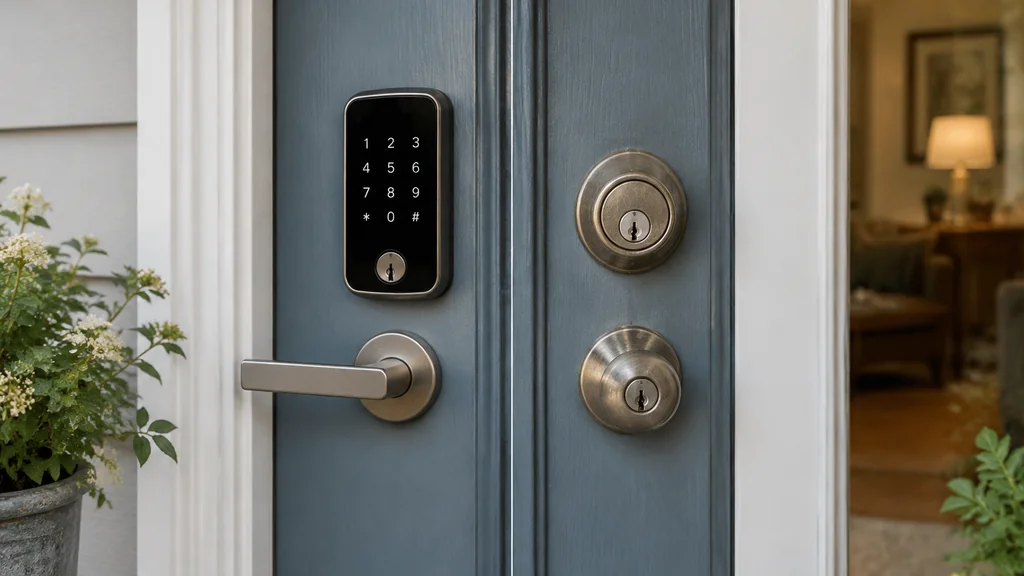
A smart lock and a deadbolt protect the same door in different ways. The difference you’ll feel is what happens when the power dies or the motor jams. A mechanical deadbolt keeps working with no battery, no app and no firmware, while a smart lock adds convenience and remote control but introduces new failure points. The right pick comes down to how you use the door and how much you’re willing to spend on the electronics.
Who each one is actually for
If you rent a room, travel constantly, or hand your keys to a cleaner or a dog walker, a smart lock earns its keep. Being able to issue a temporary code and revoke it later is the whole point, and that convenience is hard to replicate with cut metal keys.
If you own a home and mostly come and go through the same door, a plain deadbolt is the cheaper, quieter, more reliable choice. It has no battery to die at midnight and no app that stops talking to your phone after an update. For most people, that reliability is worth more than remote unlock.
These solve different problems. A deadbolt solves “keep the door shut.” A smart lock solves “control who can open it, and when, without handing out keys.”
How the security actually compares
On raw physical strength, a good deadbolt and a good smart lock are close. The lock body on a smart lock is usually a standard deadbolt mechanism with a motor bolted on, so the bolt that goes into the frame is similar. The difference is in the parts around it. A Steel bolt in a reinforced strike plate holds up far better than the same bolt in a thin wooden jamb.
Four parts decide more about the door’s strength than the lock type:
- The strike plate and frame. A short screw into soft wood fails before the lock does. Long screws into the stud behind the frame matter more than the brand on the box.
- The door material. A hollow interior door offers little resistance no matter what lock you fit.
- The cylinder. A cheap cylinder can be picked or bumped. Check the label for a recognised security rating such as ANSI/BHMA Grade 1 or Grade 2, and treat the marketing as a separate matter.
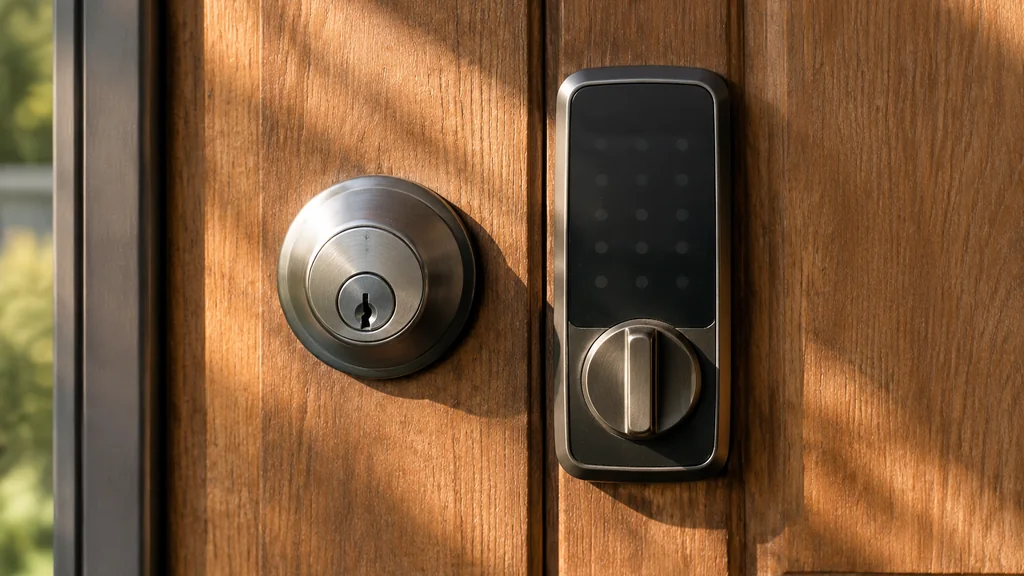
- The electronics. A smart lock adds a keypad, a radio and a motor. Each is one more thing that can fail or be attacked.
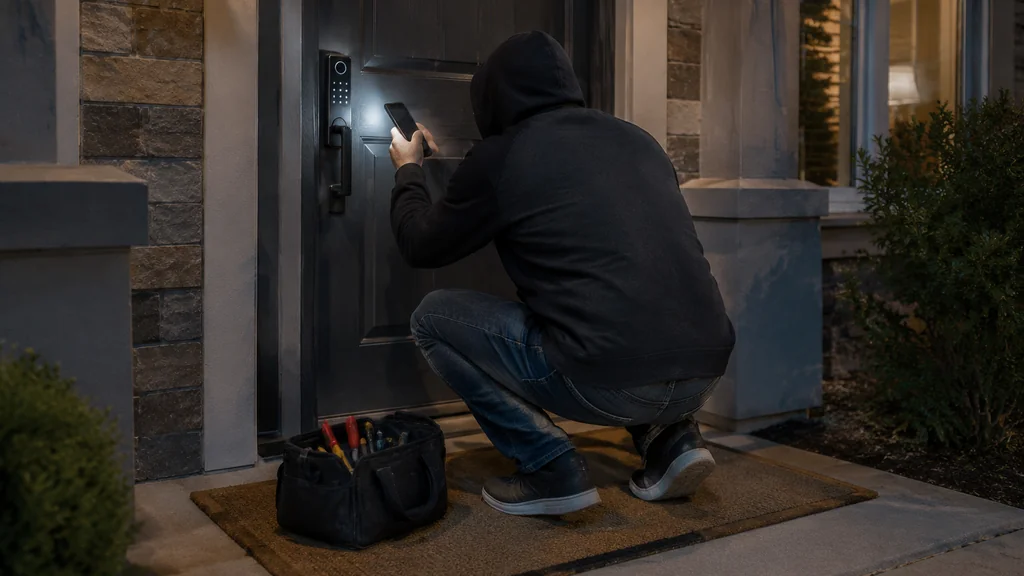
A smart lock is not automatically less secure, but it has a wider attack surface. Firmware bugs, weak default codes and cloud accounts with poor passwords are risks that a mechanical deadbolt doesn’t have.
What you actually pay for
The deadbolt is the cheap option by a wide margin. A solid mechanical deadbolt costs little, and installation is a screwdriver job most people can do in an afternoon. There’s no subscription, no battery, no app.
A smart lock costs more up front, and the total keeps climbing. You may pay for the lock itself, batteries replaced on a schedule you’ll forget until the lock beeps at you, a hub or bridge if the lock doesn’t connect directly to your phone, and optional cloud storage or remote-access plans from some makers. The extra money buys convenience, not strength. If your goal is a more secure door, spend the difference on a better strike plate and longer screws first.
The failure modes nobody mentions until they happen
This is where the two designs really diverge, and it’s the part a spec sheet won’t tell you.
A deadbolt fails in slow, visible ways. The key sticks. The bolt drags because the wooden door has swollen with the seasons. You notice it for weeks before it becomes a problem, and a locksmith can usually fix it.
A smart lock fails in sudden, invisible ways. Dead batteries are the common one: most models warn you, but the warning is a beep you might miss, and some have a backup key or a jump-start terminal while some don’t. Motor or gear failure comes next, where the electronics are fine but the bolt won’t move, often because a door slightly out of alignment makes the motor fight the frame. Connectivity loss means the lock works locally but the app can’t reach it, so remote unlock quietly stops working. An update or a server outage can lock you out of features you paid for. Extreme cold drains batteries faster, and a poorly sealed keypad can take on water; a lock on an exterior door can sit below freezing for weeks in winter, and Lithium batteries lose capacity faster in the cold than Alkaline cells.
A mechanical deadbolt has none of these. That’s the trade you’re making.
How to install either one without creating a new problem
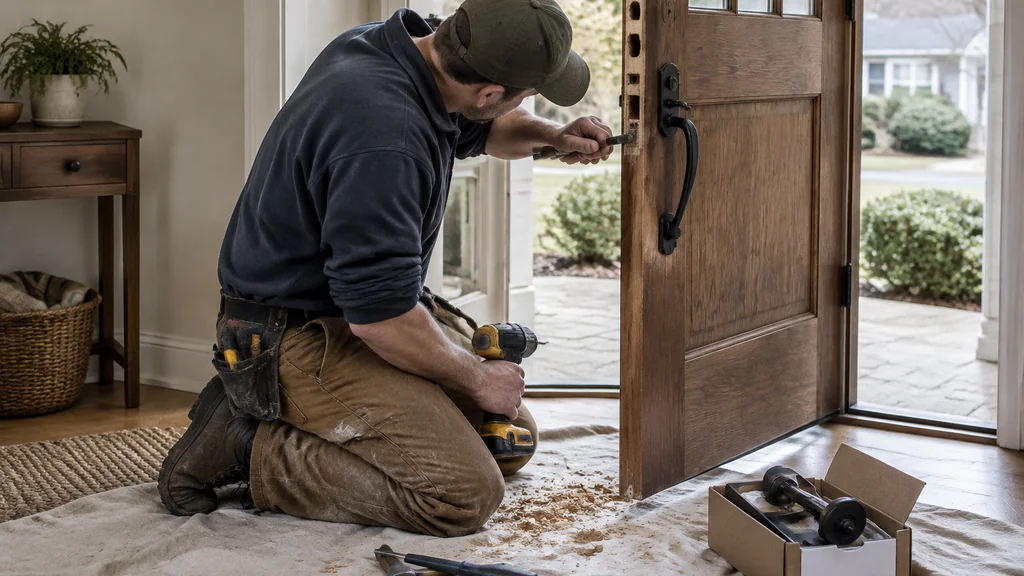
The install matters as much as the lock. A smart lock on a misaligned door will jam, and a deadbolt on a loose frame won’t hold.
- Check the door is square and the existing bolt lines up with the strike plate without force.
- Measure the backset and the door thickness, then check the spec sheet for the lock you’re buying before you order.
- Fit the strike plate with long screws that reach the framing stud, not just the trim.
- Mount the lock body and confirm the bolt throws and retracts smoothly by hand before adding power.
- For a smart lock, pair it, set a real admin code, and change any default.
- Test the backup key or jump-start method before you rely on the lock.
If you’re already comfortable setting up connected devices around the house, the pairing step is the same kind of job as sorting out your streaming gear, and our guide on how to make a slideshow on my LG smart TV covers that same “do I actually need the extra box” question. The same logic applies to a hub. If the lock talks to your phone directly over Bluetooth, you can skip the bridge entirely.
When to call a pro
Call a locksmith or a carpenter if the door frame is damaged, if the door won’t close squarely, or if you’re fitting a lock into a door that has never had one. Drilling a new bore hole in the wrong spot ruins the door, and a smart lock with a badly cut hole will never sit straight.
Also call someone if you’re in a rental and the lease restricts hardware changes. Check the lease and your local rules before you buy.
If you’re mid-project and the door hardware is fighting you, it can help to step back and sort the small stuff first. The same patience applies when you’re trying to turn off the key lock on an LG TV without the remote, where the fix is usually simpler than the panic suggests. A deadbolt that has worked for decades is a useful benchmark. If the new hardware needs more fiddling than the old latch did, the door or the frame is usually the real culprit.
A straight recommendation
Buy the smart lock if you need to give and revoke access without handing over keys, and you’re willing to keep an eye on batteries and app updates. Buy the deadbolt if you want the door to work every time with no maintenance beyond a drop of oil, and put the savings into a stronger strike plate and frame screws.
If you want both, many people fit a smart deadbolt and keep a mechanical deadbolt on a second door as a backup.
Smart lock vs deadbolt FAQ
Is a smart lock as secure as a deadbolt?
Usually close on physical strength, because most smart locks use a standard deadbolt mechanism inside. The extra electronics add failure and attack points a mechanical lock doesn’t have. A well-fitted deadbolt with long frame screws is still the simpler, more predictable option.
What happens when a smart lock battery dies?
Most models give a warning beep and offer a backup key or a jump-start terminal you touch with a battery. If yours has neither, a dead battery means calling a locksmith. Check the spec sheet for the backup method before you buy.
Can I replace a deadbolt with a smart lock myself?
Often yes, if the door already has the right bore holes and the new lock matches the backset and door thickness. The job goes wrong when the door is out of alignment or the hole is the wrong size.
Do smart locks work without Wi-Fi?
Most work locally without Wi-Fi, so the keypad and the bolt still function. What stops is remote unlock and app control.
Which one costs less over time?
The deadbolt, clearly. You pay once and it needs almost nothing after that. A smart lock costs more up front and keeps asking for batteries, and sometimes a hub or a subscription.
