Table of Contents
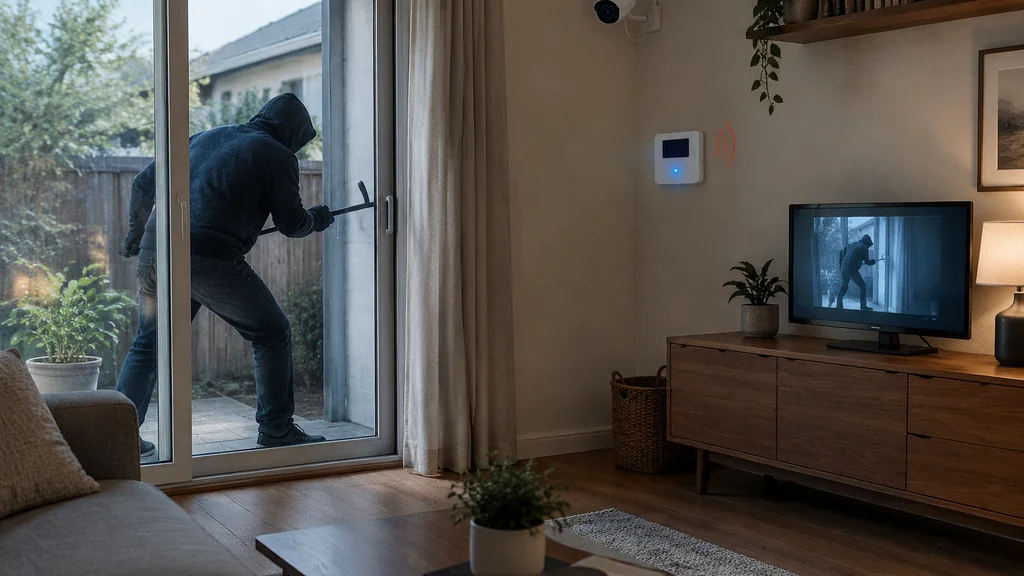
A camera-only setup documents a break-in. An alarm system interrupts one. If your goal is that nobody gets inside, or that whoever does leaves fast, the alarm is the part doing the work and the cameras are the part that helps afterwards.
That is the whole comparison in two sentences. Everything below is the detail behind it, and the detail is where most buyers get talked into the wrong purchase.
What actually stops a break-in
A break-in has a timeline. Someone approaches, tests an entry point, gets in, takes what fits in a bag, and leaves. The window between the first test and the exit is short.
A camera sits inside that timeline as a witness. It records the approach, the entry, and sometimes a face. It does not make noise, does not call anyone, and does not lock anything. A camera that streams to your phone gives you a live view of something you cannot stop from where you are standing.
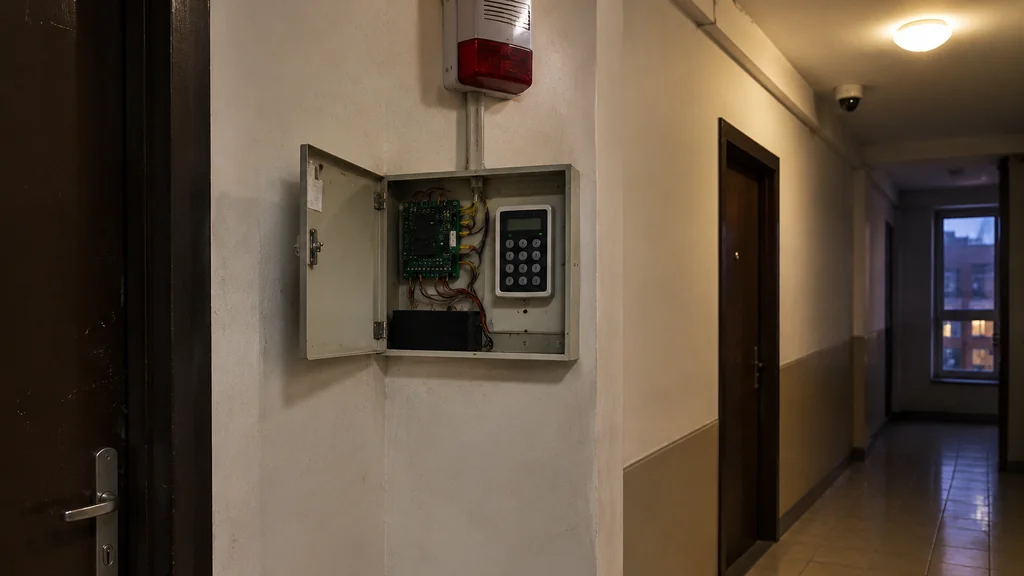
An alarm system sits inside the timeline as an interruption. A door contact trips, a siren sounds, and the person at the window has to decide whether the bag is worth the noise. A siren may make an intruder reconsider. The siren is the product. The monitoring contract is a convenience layered on top of it.
The choice depends on whether you want to interrupt a break-in or document what happened.
The first sixty seconds, side by side
Walk through the same event twice.
Camera only. Motion triggers a clip. Your phone buzzes. You open the app, see a figure at the side gate, and start deciding whether to call the police. By the time you have decided, the clip is over. You now have evidence and no leverage.
Alarm system. The door contact trips. The entry delay starts, giving you time to disarm if it is you. If nobody disarms, the siren runs and the panel reports to the monitoring centre or your phone. The person inside is now working against a clock and a very loud box.
The difference in outcome comes from one thing. The alarm creates a cost for the intruder in real time. A camera creates a cost only later, and only if someone is caught with the footage.
A monitored alarm is a deterrent with a response attached. A camera is a record. Both have value, and they are not substitutes.
Where cameras genuinely win
Cameras earn their place in several situations.
- You want to know what happened, not stop it. Package theft, a neighbour dispute, a car keyed overnight. Footage settles these.
- You rent. A camera on a shelf needs no wiring, no panel, and no permission from a landlord. An alarm you install and then remove is wasted money.
- You are away a lot and want eyes on the house. A camera at the back door tells you the bin was knocked over, not that someone is inside.
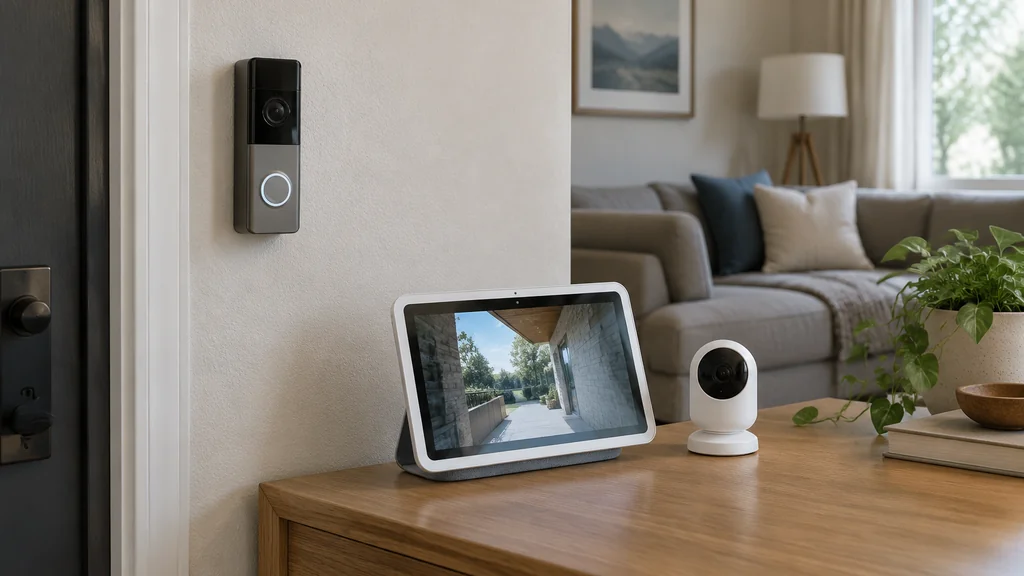
- You already have a smart display. Pulling a feed onto a screen in the kitchen is genuinely useful, and if you have ever needed to sort out a device that stopped responding, the same troubleshooting habits apply, as with why your Alexa stops playing sounds.
The catch is that all four of those are monitoring jobs. None of them is an interruption job.
What an alarm system actually costs you
Two numbers matter, and buyers usually only hear the first.
The hardware. A basic panel, a siren, and contacts on the doors you actually use. You can add motion sensors in hallways, glass-break sensors on ground-floor windows, and a keypad by the main door. Prices vary by country and by brand, so check the spec sheet and the label rather than trusting a number from a review.
The recurring cost. Monitoring is a subscription. Self-monitoring through an app is often free or cheap, but then the “call for help” step is you, at whatever hour it happens. Decide which one you are buying before you sign anything.
There is a third cost people forget. Sensors need batteries, and a dead battery on a door contact is a silent failure. Put a reminder in your calendar, the same way you would for a smoke detector.
If you are weighing an alarm against cameras, ask yourself this. Would you pay the monthly fee for a year to know that a siren goes off when a door opens while you are out? If yes, buy the alarm first and add cameras later. If no, buy cameras and be clear with yourself about what they do.
The order I would buy things in
If you are starting from nothing and building this up over a few paydays, this sequence gets you the most protection per unit of money.
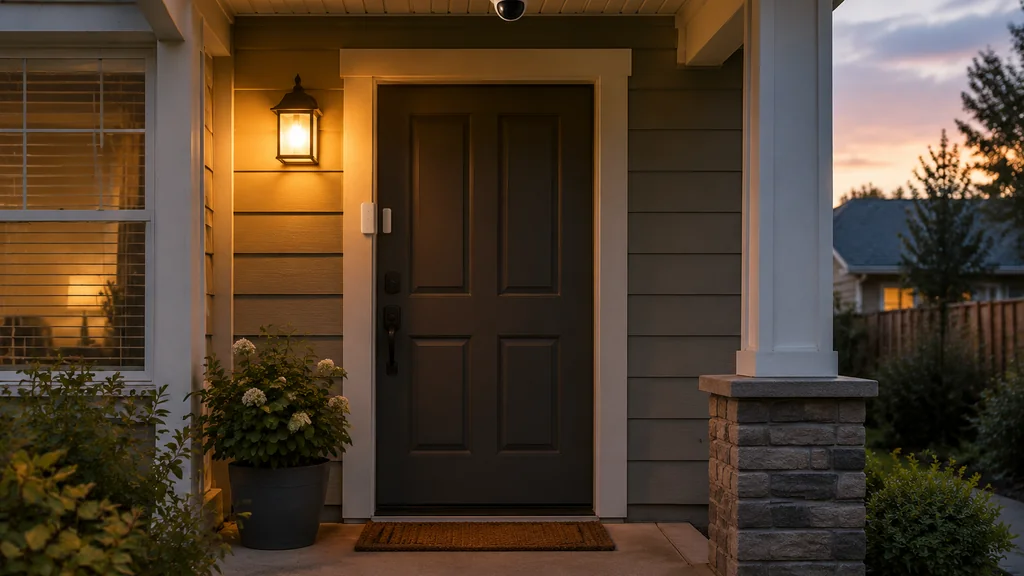
- Door contacts on every exterior door, including the one you never use. That door is the one that gets tested.
- A siren loud enough to be heard from the street. This is the interruption. Do not skip it to save money.
- One motion sensor covering the main hallway between the entry points and the bedrooms.
- A camera at the front approach, so the footage shows a face rather than a back.
- Monitoring, if the house is empty during working hours and nobody is close enough to respond.
- Glass-break sensors and a second camera at the rear or side access, once the basics are covered.
Notice that cameras arrive at step four, not step one. That ordering is the entire argument of this article.
Mistakes that waste the money
Buying cameras and calling it a security system. You have bought a recording device. That is fine, as long as you know it.
Mounting cameras too high. A camera at the roofline gives you a nice view of the top of a hood. Faces need a lower angle, roughly at head height, and closer to the door than feels natural.
Skipping the siren because the app notifies you. A phone notification does nothing to a person standing in your kitchen.
Putting sensors only on the front door. Side gates, garage doors, and ground-floor windows are the usual entry points, and a panel that only watches the front is a panel with a hole in it.
Forgetting the network. Cameras and smart panels lean on Wi-Fi, and a router that drops devices is a security problem, not just an annoyance. If you have ever had to reset a Control 4 light switch after a network change, you already know how much of a smart home depends on the boring layer underneath it.
Never testing the system. Arm it, open a door, listen for the siren, and check that the notification arrives. Do this every few months. A system you have never heard go off is a system you are guessing about.
When to call a professional
Self-install kits cover a lot of ground, and for a flat or a small house they are usually enough. Call someone in when:
- The house has multiple floors and you want the panel, siren, and keypads wired rather than stuck on with adhesive.
- You want the alarm to talk to a monitoring centre, and the contract terms are not obvious from the website.
- You are adding cameras to an existing recorder and the wiring is already in the walls.
- You need the installation documented for an insurer, and your local rules ask for a certificate.
None of that is a reason to avoid a DIY kit. It is a reason to know which job you are doing before you start drilling.
Alarm System vs Camera-Only FAQ
Does a camera stop a break-in?
Rarely on its own. A visible camera can push a casual intruder to a neighbour’s house, and that is real value. Against someone already committed, a camera records the event and does nothing during it. The siren is what changes behaviour in the moment.
Do I need both an alarm and cameras?
For most houses, yes, eventually. The alarm handles the interruption and the cameras handle the identification and the peace of mind when you are away. If you can only afford one right now, buy the alarm, because it is the layer that acts while something is happening.
Is a monitored alarm worth the monthly fee?
It depends on how empty the house is and how far away you are. Monitoring buys a response when nobody is home to react to a notification. If someone is usually there, self-monitoring through an app covers most of the same ground for far less.
Can I add an alarm to cameras I already own?
Usually, yes. Many panels work alongside existing cameras, and some apps will show both. Check that the panel and the camera system speak the same platform before you buy, because mixing ecosystems is where most of the frustration lives.
What is the single most useful upgrade first?
A loud siren plus contacts on every exterior door. That combination can interrupt a break-in early. Add cameras once that layer is in place and working, and test the whole thing a few times a year.
If you are adding a camera to a smart display as part of the setup, the same pairing steps apply as when you turn your camera on Echo 8, and getting that working is a good excuse to test the rest of the system at the same time.
Related posts