
Table of Contents
- Wi-Fi 7 vs Wi-Fi 6: The Quick Answer
- The Core Technical Differences
- Wi-Fi 7 vs Wi-Fi 6 Comparison Table
- Where You Will Actually Notice the Difference
- Do Your Devices Even Support Wi-Fi 7?
- Wi-Fi 6 vs Wi-Fi 6E: Don’t Skip This Middle Step
- Should You Upgrade? A Simple Decision Guide
- Frequently Asked Questions[+]
- The Bottom Line[+]
Updated:
If you are shopping for a new router in 2025, you have almost certainly run into a confusing choice: stick with proven Wi-Fi 6 gear, or pay extra for the newer Wi-Fi 7. Both are fast, both are widely available, and the marketing around them blurs the real differences. This guide breaks down what actually changed between the two standards, where you will notice it in everyday use, and where you will not.Wi-Fi 6 is the marketing name for the IEEE 802.11ax standard. Wi-Fi 7 is the name for 802.11be. The version numbers are sequential, but the jump is not just “a bit faster” — Wi-Fi 7 reworks how the radio uses the airwaves. Whether that matters for you depends heavily on your devices, your internet plan, and how crowded your home network is.Wi-Fi 7 vs Wi-Fi 6: The Quick Answer
For most people in a typical home today, Wi-Fi 6 (or Wi-Fi 6E) is still more than enough. Wi-Fi 7 makes the biggest difference if you have a multi-gigabit internet plan, many simultaneous devices, or latency-sensitive activities like competitive gaming, VR, or large local file transfers. If your phone, laptop, and TV do not yet support Wi-Fi 7, buying a Wi-Fi 7 router will not unlock its headline features — it will simply run as a fast Wi-Fi 6/6E router for those clients.The Core Technical Differences
Three changes do most of the heavy lifting in Wi-Fi 7. Understanding them makes the rest of the spec sheet easier to read.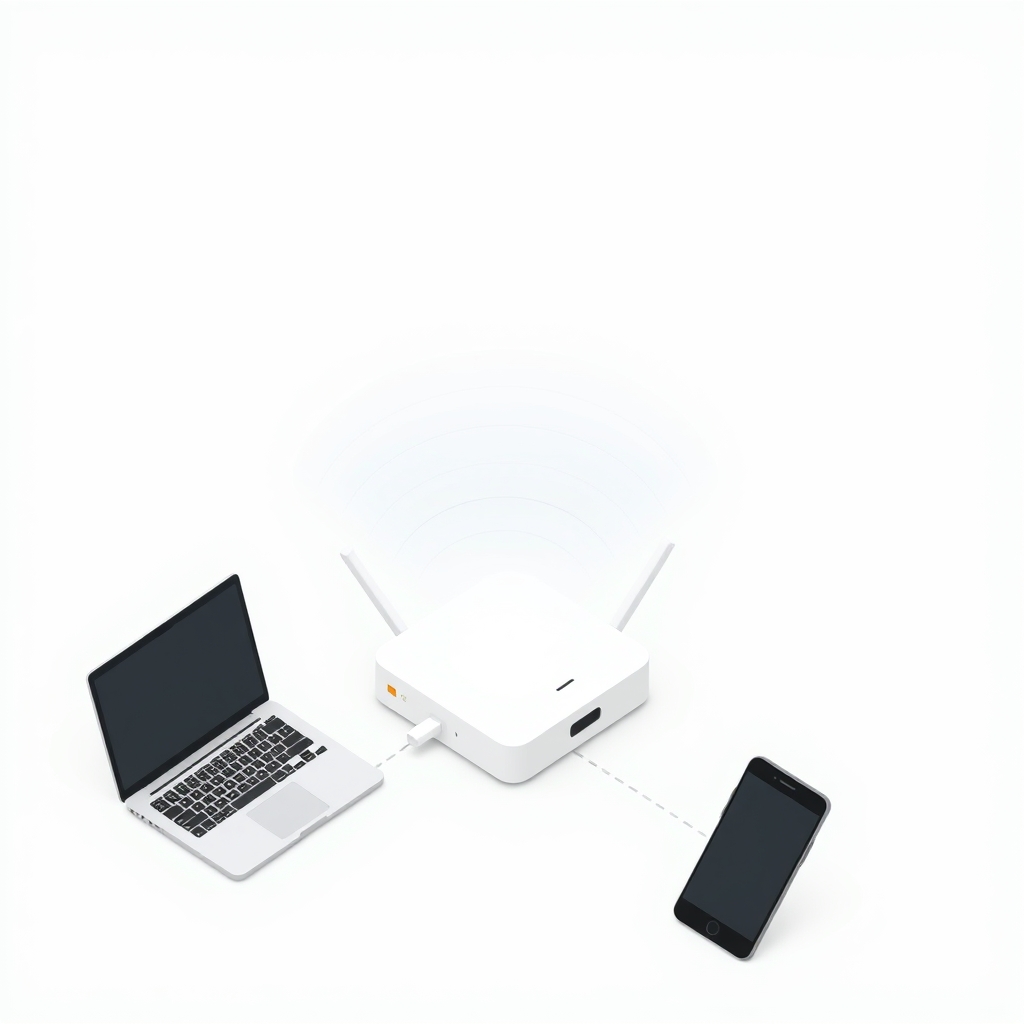
Wi-Fi 7 vs Wi-Fi 6 Comparison Table
The table below summarizes the headline specifications. Treat the maximum data rates as theoretical ceilings under ideal lab conditions — real-world speeds are always lower.| Feature | Wi-Fi 6 (802.11ax) | Wi-Fi 7 (802.11be) |
|---|---|---|
| Frequency bands | 2.4 and 5 GHz (6 GHz on Wi-Fi 6E) | 2.4, 5, and 6 GHz |
| Maximum channel width | 160 MHz | 320 MHz |
| Modulation | 1024-QAM | 4096-QAM |
| Multi-Link Operation (MLO) | No | Yes |
| Theoretical max throughput | Up to ~9.6 Gbps | Up to ~46 Gbps |
| Best for | Mainstream homes, most devices | Multi-gig internet, dense device loads, low-latency tasks |
Where You Will Actually Notice the Difference
The most common disappointment with any new Wi-Fi standard is expecting your internet to suddenly feel faster. If you have a 300 Mbps or 500 Mbps internet plan, both Wi-Fi 6 and Wi-Fi 7 can already saturate it easily. Upgrading the router changes nothing about how fast a web page loads.The difference shows up in three situations. The first is multi-gigabit internet: if you pay for 2 Gbps or more, Wi-Fi 7’s wider channels and MLO help a wireless device get closer to that wired ceiling. The second is a crowded network — apartments, smart homes, or households with dozens of connected devices — where Wi-Fi 7’s efficiency and band-switching reduce slowdowns during peak use. The third is latency-sensitive local activity: competitive online gaming, VR headsets, and moving large files between devices on your own network all benefit from MLO’s steadier, lower-latency link.If none of those describe your household, the practical, day-to-day difference between a good Wi-Fi 6E router and a Wi-Fi 7 router is small.Do Your Devices Even Support Wi-Fi 7?
This is the single most overlooked point. A Wi-Fi standard’s best features only activate when both ends — the router and the client device — support them. Wi-Fi 7 client support arrived in flagship phones and laptops starting around 2024, and it is spreading, but the majority of devices in most homes are still Wi-Fi 6, Wi-Fi 5, or older.A Wi-Fi 7 router is fully backward compatible, so older devices keep working. But an older phone connecting to a Wi-Fi 7 router still connects as a Wi-Fi 6 (or older) device and gets none of the new benefits. There is nothing wrong with buying ahead of your devices — routers tend to outlast phones — just do not expect a speed jump on hardware that cannot use the new features. If you want to understand how older clients fall back, our guide on home networking basics is a useful companion read.Wi-Fi 6 vs Wi-Fi 6E: Don’t Skip This Middle Step
Before jumping to Wi-Fi 7, it is worth knowing about Wi-Fi 6E. The “E” stands for extended, and it adds the 6 GHz band to standard Wi-Fi 6. That 6 GHz spectrum is clean and relatively uncongested, which often delivers the single biggest real-world improvement people feel — more than the QAM or channel-width changes.For many shoppers, a well-reviewed Wi-Fi 6E router hits the sweet spot of price and performance. It gives you the uncongested 6 GHz band without paying the premium for Wi-Fi 7 features that your current devices may not support. Wi-Fi 7 is the right call when you specifically need MLO, 320 MHz channels, or you are building a network meant to last many years.Should You Upgrade? A Simple Decision Guide
Use these practical rules of thumb rather than chasing the highest number on the box.Stay on Wi-Fi 6 or buy Wi-Fi 6E if you have a sub-gigabit internet plan, a normal number of devices, and no specific latency complaints. You will save money and notice no meaningful downside.Buy Wi-Fi 7 if you have multi-gigabit internet, a device-dense smart home, latency-critical hobbies like competitive gaming or VR, or you simply want maximum future-proofing and own at least some Wi-Fi 7 client devices to take advantage of it today.Either way, prioritize router placement, channel selection, and using the 6 GHz band over chasing the newest standard. A well-placed Wi-Fi 6E router will outperform a poorly placed Wi-Fi 7 router every time.Frequently Asked Questions
Is Wi-Fi 7 backward compatible with Wi-Fi 6 devices?
Yes. Wi-Fi 7 routers work with all older Wi-Fi devices. An older device simply connects using its own standard and does not gain Wi-Fi 7 features, but it will not be left offline.Will Wi-Fi 7 make my internet faster?
Only if your internet plan is faster than what Wi-Fi 6 can deliver wirelessly, which generally means multi-gigabit service. On a typical home plan, both standards already exceed your connection speed, so you will not see faster web browsing.What is the biggest single advantage of Wi-Fi 7?
Multi-Link Operation (MLO) is the standout feature. By letting a device use multiple bands at once, it improves reliability and lowers latency, which matters most for gaming, VR, and busy networks rather than raw download speed.Is Wi-Fi 6E good enough instead of Wi-Fi 7?
For most homes, yes. Wi-Fi 6E adds the clean 6 GHz band, which delivers much of the real-world benefit people want at a lower price than Wi-Fi 7.The Bottom Line
Wi-Fi 7 is a genuine technical leap over Wi-Fi 6, thanks to 320 MHz channels, 4096-QAM, and especially Multi-Link Operation. But “better on paper” and “better for you” are not the same thing. If you have multi-gigabit internet, a crowded network, or latency-sensitive needs and at least a few Wi-Fi 7 devices, the upgrade is worth it. If not, a Wi-Fi 6 or Wi-Fi 6E router will serve you well for years — and your money is better spent on good placement and the 6 GHz band than on the newest label.Related posts

