
Almost all types of routers available are compatible with these coaxial cables so it is unnecessary to switch to a device that works with fiber, however, it is recommended to Read more
Finddiffer.com
Can you run wire above a door?
Routing Around Doors & Windows Windows are a little simpler to bypass than doors since most have stud framing below the sill through which you can run the cable. With Read more
How do I connect Ethernet to downstairs?
EASIEST Most RELIABLE Way to Get Ethernet From Basement … How do I run an Ethernet cable from downstairs to upstairs? Basically, you plug one powerline adapter into a wall Read more
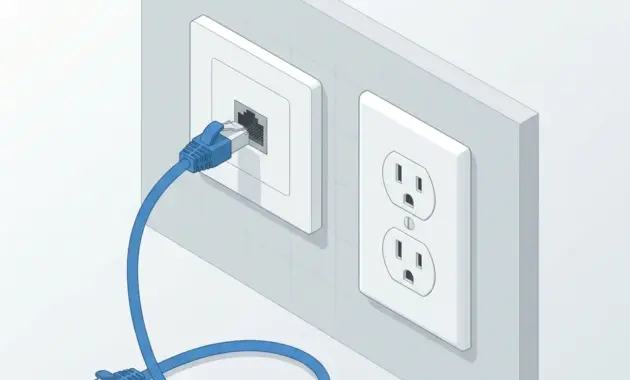
Can I plug an Ethernet cable into the wall outlet?
Simply plug one of them into a wall outlet and connect it to your router with an Ethernet cord. Plug the second one into any wall outlet that is electrically Read more
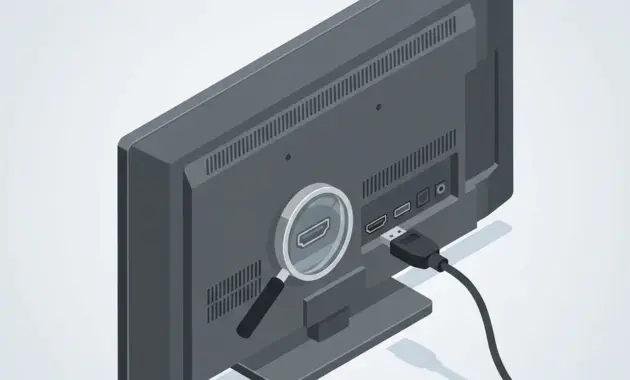
How do I know if my HDMI port is bad on my TV?
A bad HDMI port can show up as a TV that gives no picture or sound on one input while the other inputs work. Before you blame the port, though, Read more
Can a power surge damage Ethernet ports?
Yes, it is possible that lightning could damage just one Ethernet port on just one device. Can a surge come through an Ethernet cable? Historically, many people assumed that Ethernet Read more
How do I test a HDMI port with a multimeter?
XBox One X HDMI Port Test Is there a way to test HDMI cables? Test your cable by plugging directly from the source into the TV. Some intermediary devices like Read more
How do I stop my HDMI TV from flickering?
How to fix Flickering issues? Turn Off the TV. The first step to resolving a TV flicker issue is to first turn off your TV. Check for Loose cable connection. Read more
Do HDMI affect FPS?
It doesn’t matter if you are using HDMI or Display Port or VGA or DVI or Thunderbolt…. your FPS will be the same no matter what cable you use. Does Read more
How do I transfer files between laptops using HDMI?
Getting Started Turn on the system and select the appropriate button for laptop. Connect the VGA or HDMI cable to your laptop’s VGA or HDMI port. If you are using Read more