Table of Contents
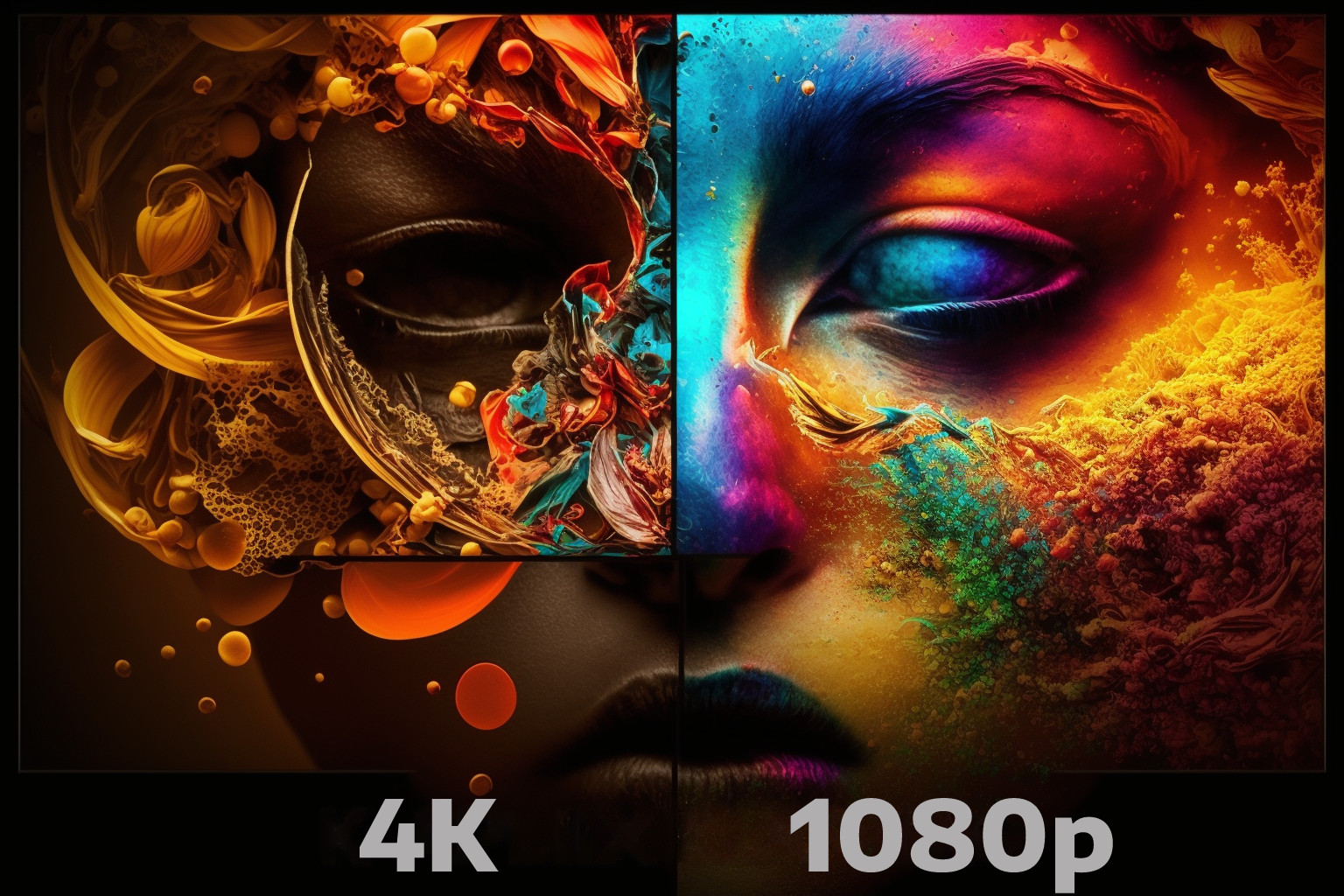
4K packs four times as many pixels as 1080p (3840 x 2160 versus 1920 x 1080), so it looks noticeably sharper on big screens and up close. On a small screen, or from across the room, most people can’t tell the two apart, and 1080p is still perfectly good for plenty of setups.
As of 2026, 4K has stopped being a premium extra. The panels are cheap, the content is everywhere, and the real question is no longer “is 4K better” but “will you actually see the difference on your screen, at your seat?”
What 1080p and 4K actually mean
1080p
1080p, or Full HD, means 1920 x 1080 pixels. It has been the mainstream standard for TVs, laptops and phones for over a decade, and it still produces a clean, sharp image on smaller screens. If you own a TV bought before roughly 2018 or a mid-range laptop, there’s a good chance it’s 1080p.
4K
4K, marketed as Ultra HD, means 3840 x 2160 pixels. That’s four times the pixel count of 1080p, packed into the same screen area, so fine detail like skin texture, blades of grass or small text looks crisper. 4K is now the default for new TVs above 43 inches, most streaming flagships, and both current game consoles.

The key differences between 1080p and 4K
Four things separate the two in practice: raw resolution, how big a screen you’re feeding, price, and what you can actually watch in each format.
Resolution and detail
This is the headline difference. 4K’s 3840 x 2160 grid holds four 1080p images worth of pixels. On the same screen size, that means smaller, denser pixels and visibly finer detail, especially in high-quality footage. The catch: you only get the benefit if the source is genuinely 4K. Modern 4K TVs upscale 1080p and lower content to fill the panel, and the good ones do it well, so your old Blu-rays and HD channels still look fine. But upscaled 1080p, however clean, isn’t true 4K; the extra detail is reconstructed, not captured. Real 4K sources still look a clear step sharper.
Screen size and pixel density
Resolution only matters relative to screen size. Spread 1080p across a 65-inch TV and the pixels get large enough to see from a normal couch distance; spread 4K across the same panel and they stay invisible. That’s why 4K pays off most on bigger screens. On a 24-inch monitor or a 32-inch TV, 1080p still looks tight, which is why smaller sets remain a sensible place to save money, as we cover in whether 1080p is needed on a 32-inch TV.
On desktop monitors there’s also a middle ground worth knowing about: 1440p (2560 x 1440, often called QHD). It sits between 1080p and 4K, gives you a clear step up in sharpness on a 27-inch screen, and is far easier for a graphics card to drive than full 4K. For a lot of PC users, 1440p is the real sweet spot, not either extreme.
Price
Price used to be 4K’s biggest drawback. Not anymore. In 2026 a budget 4K TV often costs the same as, or less than, a 1080p set of the same size, because manufacturers have largely stopped making large 1080p panels. The gap is wider for monitors and gaming, where a high-refresh 4K display plus the hardware to drive it still costs real money. For a living-room TV, though, “4K is expensive” is out of date.
Content availability
4K content is no longer scarce. Netflix, Disney+, Amazon Prime Video, Apple TV+ and YouTube all stream in 4K, UHD Blu-rays are a mature format, and the PS5 and Xbox Series X output games in 4K. Broadcast TV and live sports are the main holdouts, still mostly 1080p or 720p, and a lot of older catalogue titles were never mastered in 4K. So you won’t see 4K on everything, but the “hardly any 4K exists” argument no longer holds. YouTube alone offers a huge amount of free 4K, and every major streaming service has a 4K tier. If you’re piecing together a 4K setup, it’s worth knowing how a 4K streamer behaves on a 1080p TV and why some 4K movies still show black bars.
Can you actually see the difference?
Yes, but only under the right conditions. Whether 4K looks meaningfully sharper than 1080p depends far more on your screen size and how close you sit than on the panel spec alone.
Why viewing distance matters
Sit close enough and 4K’s extra detail is obvious. Sit far enough back and your eyes can’t resolve the individual pixels of either resolution, so they look identical.
As a rough guide, a 4K screen rewards a viewing distance of about 1.5 to 2 times the screen size, while 1080p wants roughly 2 to 2.5 times the screen size before the pixels disappear. Sit too close to a 1080p set and you’ll spot the pixel grid; sit too far from a 4K set and you’re paying for detail you can’t see.
For example, a 50-inch 4K TV looks its best from around 75 to 100 inches away, while a 50-inch 1080p TV is better viewed from 100 to 125 inches. The table below shows how the sweet spot shifts with screen size:
| Screen Size (inches) | 4K Viewing Distance (inches) | 1080p Viewing Distance (inches) |
|---|---|---|
| 50 | 75-100 | 100-125 |
| 60 | 90-120 | 120-150 |
| 70 | 105-140 | 140-175 |
The takeaway: on a big TV you tend to sit closer relative to the screen, which is exactly where 4K earns its keep.
What makes the difference obvious
From a normal couch distance on a modest screen, 1080p and 4K can look nearly the same. A few things push the gap from subtle to unmistakable:
- Screen size: above about 55 inches, 4K’s advantage becomes easy to see.
- Viewing distance: the closer you sit, the more 4K pulls ahead; move back and the difference fades.
- Source quality: native 4K movies and games show it off. Low-bitrate streams or standard-definition content hide it.
- Lighting: a bright, glare-filled room washes out fine detail and shrinks the visible gap.
So plenty of people genuinely see the difference, and plenty don’t, depending on the screen, the seat, the source and the room.

1080p vs 4K for gaming
For gaming the choice is a real tradeoff, not a straight upgrade. 4K looks stunning on a big screen, but it’s far harder to drive than 1080p, so you’re often choosing between resolution and frame rate.
On consoles, the PS5 and Xbox Series X both target 4K output, though many games reach it through upscaling or by trading frame rate for resolution. Most offer a “performance mode” that drops toward 1080p or 1440p to hit 60fps or higher. On PC, native 4K at high frame rates demands a powerful graphics card and plenty of VRAM; the same GPU that struggles at 4K will fly at 1080p.
Upscaling tech has softened that gap. Features like Nvidia’s DLSS and AMD’s FSR render a game at a lower internal resolution, then reconstruct it up to 4K, letting a mid-range card produce a near-4K image at a playable frame rate. It’s not identical to native 4K, but it’s close enough that “you need a top-tier GPU for 4K” is less absolute than it used to be.
Not sure your setup can feed a high-refresh panel? Our note on HDMI, 144Hz and 1440p is a useful sanity check, and if you’re eyeing 4K specifically, see whether you need 32GB of RAM for 4K.
Competitive players usually pick smoothness over sharpness: 1080p or 1440p at a high frame rate feels more responsive than 4K locked to 60fps. For single-player, cinematic games on a big TV, 4K is the more rewarding choice, if your hardware can keep up.
Is 4K worth it?
For most people buying a new TV in 2026, yes, mainly because 4K is now the default and barely costs more. The honest answer, though, depends on your screen size, seating distance and what you watch. The trade-offs at a glance:
| Pros of 4K | Cons of 4K |
|---|---|
| Four times the detail, sharper image | Only visible on bigger screens or up close |
| Usually paired with HDR and wider color | Native 4K gaming needs stronger, pricier hardware |
| Now standard and affordable for TVs | Some broadcast and catalogue content is still 1080p |
| More future-proof for new content | 4K streaming needs faster, steadier internet |
The pros clearly outweigh the cons for a living-room TV. The picture is less one-sided for gaming rigs and small screens, where the extra cost buys detail you may never notice.
When 1080p is still the right call
1080p is the smarter buy in a few clear cases: small screens (roughly 32 inches and under), where the pixels are already invisible; tight budgets, where the money is better spent on a better panel than more pixels; competitive gaming, where frame rate beats resolution; and any setup where you sit well back from the screen. There’s no shame in 1080p, it’s still a clean, sharp picture for the right room.
FAQ
Is Netflix content actually 4K?
Some of it. Netflix streams a large and growing library in 4K, but not everything, and you need a Premium plan, a 4K-capable device and a fast enough connection to see it. Check a title’s details to confirm it’s available in Ultra HD.
Is HDR the same as 4K?
No. 4K describes resolution (how many pixels), while HDR (High Dynamic Range) describes contrast and color (brighter highlights, deeper darks, more shades). They often ship together on 4K TVs, but they’re different features, and HDR arguably makes a bigger visible difference than the jump in resolution.
Is 2160p the same as 4K?
Yes. 2160p refers to the 2160 vertical pixels of a 3840 x 2160 display, which is exactly what 4K/UHD means. The terms are interchangeable.
Is UHD the same as 4K?
For consumer TVs, yes. UHD (Ultra High Definition) and 4K both refer to 3840 x 2160. True “cinema 4K” (4096 x 2160) is slightly wider and used in film production, but on TVs and monitors the labels mean the same thing.
Do I actually need 4K?
Only if you’ll see the benefit: a screen bigger than about 43 inches, a seat close enough to resolve the detail, and mostly high-quality sources. On a small screen or from far back, 1080p will look essentially the same and cost less.
What are the downsides of 4K?
Native 4K gaming needs stronger hardware, 4K streaming needs a faster internet connection, and not all content is available in 4K yet. On small screens or from a distance, you also may not see any improvement over 1080p.
Is OLED better than 4K?
They’re not competing specs. OLED is a panel type (self-lit pixels, true blacks, vivid color); 4K is a resolution. Most OLED TVs are also 4K. A 4K OLED generally looks better than a 4K LCD, but that’s down to the OLED panel, not the resolution.
How much internet speed do I need for 4K?
Netflix recommends at least 15 Mbps per 4K stream, and 25 Mbps is a safer real-world target once other devices are sharing the connection. For a household streaming 4K on multiple screens, 50 Mbps or more keeps things smooth.
Can you really see the difference between 1080p and 4K?
It depends on screen size, viewing distance, source quality and lighting. On a big screen viewed up close with true 4K content, the difference is clear. On a small screen, from across the room, or with low-quality sources, most people can’t tell them apart.
Conclusion
4K is the sharper, more future-proof resolution, and in 2026 it’s cheap enough to be the default choice for almost any new TV above 43 inches. But “better on paper” doesn’t always mean “better for you.”
On a small screen, from a distance, or on a tight budget, 1080p still delivers a clean picture for less money, and for competitive gaming it can be the smarter pick. Match the resolution to your screen size, your seating distance and what you actually watch, and you’ll get the best value either way.
Related posts