Table of Contents
- RJ45 vs. CAT5 at a glance
- What RJ45 actually is
- What CAT5 actually is
- RJ45 vs. CAT5: the real difference[+]
- Solid vs. stranded: the CAT5 choice most people miss
- Shielded or unshielded? (UTP vs STP)
- Which should you buy in 2026?
- Mistakes to avoid with RJ45 and CAT5
- Frequently asked questions[+]
- The bottom line[+]
RJ45 is the connector and CAT5 is the cable. They are not rival standards competing to do the same job. An RJ45 plug crimps onto the end of a CAT5 twisted-pair cable, and together they make the Ethernet lead that runs between your router, switch, and PC. So the honest answer to “RJ45 vs. CAT5” is that you use both at once.
The confusion is fair. Both terms get thrown around when people talk about wired networking, and shops sell “CAT5 cables with RJ45 ends” as one product. But one is the little plastic plug on the tip, and the other is the wire behind it. Once you see that, every other difference falls into place.
Last updated: July 2026.
RJ45 vs. CAT5 at a glance
Here is the whole comparison in one table before we get into the detail.
| Feature | RJ45 | CAT5 |
|---|---|---|
| What it is | A connector (the plug/jack) | A cable (twisted-pair wire) |
| Its job | Terminates the cable so it can plug into a port | Carries the signal between two points |
| Physical form | 8-pin plastic plug, 8P8C | 4 twisted pairs (8 copper wires) in a jacket |
| Speed it sets | None on its own | 100 Mbps (CAT5), up to 100 MHz |
| Max run length | Not applicable | 100 metres (328 ft) |
| Still current? | Yes, unchanged and universal | No, replaced by CAT5e and CAT6 |
The short version: RJ45 is a shape, CAT5 is a spec. RJ45 hasn’t changed in decades, while CAT5 has already been superseded. Everything below explains why.
What RJ45 actually is
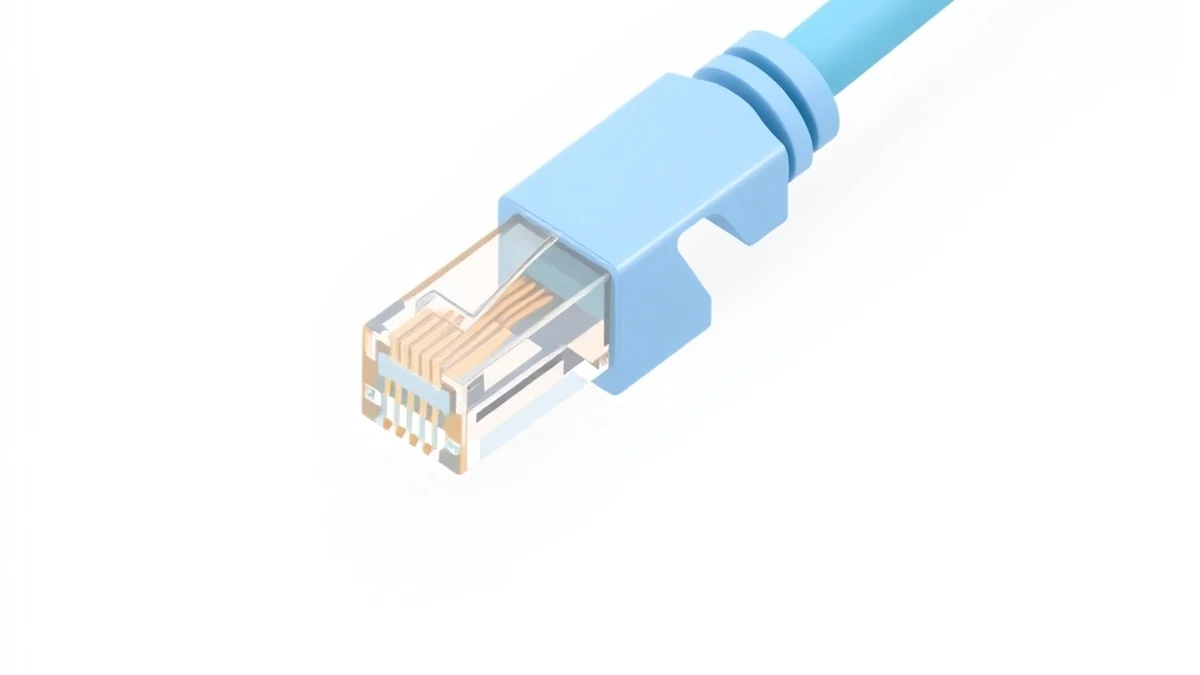
RJ45 is the eight-pin modular connector on the end of an Ethernet cable. “RJ” stands for Registered Jack and “45” is the interface number, borrowed from the telephone world. It looks like a chunkier version of the RJ11 plug in old landline phones, and it clicks into an Ethernet port with the same little spring tab.
Engineers usually call it 8P8C, meaning 8 positions and 8 contacts. Those eight gold pins are what actually touch the port. On a 10/100 connection only two of the four pairs (pins 1, 2, 3 and 6) carry data; the spare pairs sit idle or deliver Power over Ethernet. On a gigabit link all four pairs work at once, which is why a bad crimp on any pin can knock a fast connection down to 100 Mbps.
There are two wiring layouts for those pins, T568A and T568B. They differ only in the order of the colored wires. Neither is faster. The rule that matters: match both ends of the cable to the same layout and you get a normal straight-through lead. I default to T568B on both ends because most of the patch panels I have worked on were punched down that way, so keeping everything B avoids mistakes. You can buy loose RJ45 connectors in bags of 50 or 100 and crimp your own if you need odd lengths.
What CAT5 actually is
CAT5 is short for Category 5, a cabling standard for the twisted-pair wire itself. Inside the jacket are four pairs of copper wire, each pair twisted together to cancel out electrical noise and crosstalk. The tighter the twist, the cleaner the signal, which is the whole reason cable categories exist.
A plain CAT5 cable is rated for 100 MHz and carries 100 Mbps (Fast Ethernet) over runs up to 100 metres. That was plenty in 2005 and is slow today. Its replacement, CAT5e (“e” for enhanced), keeps the same 100 metre limit but tightens the crosstalk specs enough to run gigabit (1,000 Mbps). Above that sit CAT6 (250 MHz, 10-gigabit over short runs), CAT6a (500 MHz, 10-gigabit to the full 100 metres), and CAT7/CAT8 for specialist high-speed links.
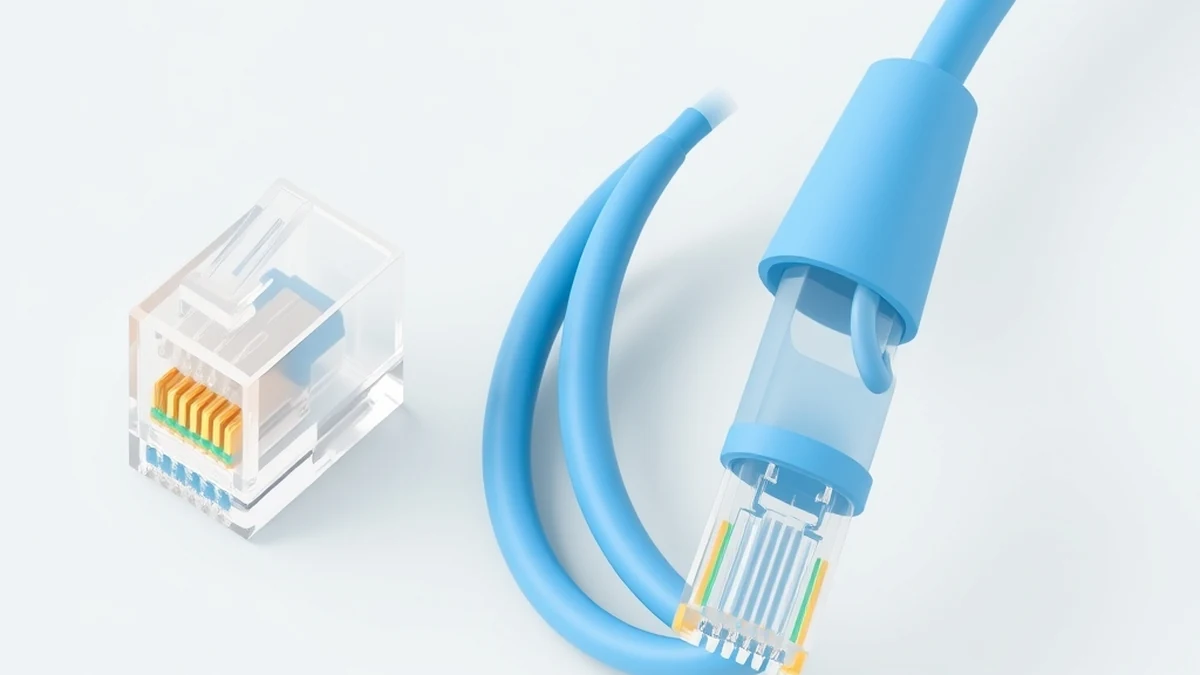
Every one of those categories terminates in the exact same RJ45 plug. That is the key point: upgrading from CAT5 to CAT6 changes the wire, not the connector. If you are buying new, skip plain CAT5 entirely and get CAT5e or CAT6 cable for the same money.
RJ45 vs. CAT5: the real difference
Because one is a connector and the other is a cable, they don’t really compete. They fit together. Still, a few practical differences are worth spelling out.
How they work together
The cable does the carrying and the connector does the connecting. A CAT5 (or CAT5e, or CAT6) cable with an RJ45 plug crimped on each end is what you actually plug into a router. Buy a pre-made “patch cable” and you are buying both at once, already assembled. The cable sets the speed ceiling; the RJ45 just has to make solid contact.
Installing them
RJ45 is plug-and-play. You push it in until it clicks and you are done, no tools needed once the plug is crimped on. The cable takes the planning. You have to measure the run, keep it under 100 metres, avoid sharp bends, and route it away from power lines that inject noise. Terminating your own ends means stripping the jacket, lining up eight tiny wires in T568A or T568B order, and crimping, which takes a few tries to get clean.
How to tell them apart
The RJ45 is the small transparent plastic plug with eight gold pins and a locking tab. The CAT5 is the round jacketed cable, usually blue or grey, with those four twisted pairs inside. If you are holding the tip, that is the RJ45. If you are holding the length, that is the cable. Note that the fixed socket on a wall plate or switch is technically the “jack,” and the RJ45 you crimp on is the matching “plug,” but almost everyone calls both ends RJ45 in daily use.
Solid vs. stranded: the CAT5 choice most people miss
Category is only half the cable decision. CAT5, CAT5e, and CAT6 all come in two builds, and picking the wrong one causes flaky links that look like a bad connector.
Solid-core cable uses a single thick copper wire per conductor. It carries the signal a touch further, resists interference better, and is what you want for permanent in-wall or ceiling runs that never move. Stranded cable uses several thin strands twisted per conductor, which makes it flexible and hard to break with repeated bending, so it is the right choice for the patch leads between a wall socket and a device.
The catch lives in the connector. RJ45 plugs are sold in solid-rated and stranded-rated versions, and the difference is how the internal blades pierce the wire. Put a solid cable into a stranded-rated plug and the contact is unreliable, so it may test fine on the bench and drop out weeks later. When I crimp my own leads I keep two labelled bags of plugs and match the plug to the cable build every time. It is the single most common reason a hand-made cable fails intermittently.
Shielded or unshielded? (UTP vs STP)
Most CAT5 you will ever touch is UTP, unshielded twisted pair, and that is fine for homes and normal offices. The twists in the pairs cancel enough noise on their own. STP, shielded twisted pair, wraps foil or braid around the pairs to block heavy interference, but it only helps if it is properly grounded at the panel, and a badly grounded shield can make noise worse rather than better. Reach for STP only near industrial motors, elevator shafts, or long parallel runs beside mains power. For a house or a small office, plain UTP CAT5e or CAT6 with RJ45 ends is all you need.
Which should you buy in 2026?
For the connector, RJ45 is the only answer, and it hasn’t changed. Any Ethernet gear you buy uses it. Loose plugs cost around 15 to 25 cents each in a bag of 100, so keep a handful in a drawer.
For the cable, do not buy plain CAT5. It has been effectively obsolete for years, capped at 100 Mbps while home internet plans now routinely exceed that. Get CAT5e at the very least, since it runs full gigabit for roughly the same 20 to 30 cents a foot. For a home or office you are wiring today, CAT6 is the sensible default: it handles gigabit easily, gives you headroom for 2.5G and 10G gear, and costs only a few cents more per foot. Reserve CAT6a and above for long 10-gigabit runs or heavy interference. A pre-made CAT6 patch cable runs about 5 to 10 dollars, which is cheaper than most people expect and rarely worth crimping yourself unless you need an odd length. Whatever category you pick, it still ends in an ordinary RJ45.
Mistakes to avoid with RJ45 and CAT5
A few errors show up again and again, and every one of them is easy to dodge.
- Untwisting the pairs too far. When you crimp, keep the untwisted length under about half an inch. Strip back more than that and crosstalk creeps in, which quietly caps a gigabit link at 100 Mbps.
- Running cable next to mains power. Parallel runs beside electrical lines inject noise. Cross power at right angles and keep a few inches of separation.
- Ignoring the 100-metre limit. Past 100 metres the link gets unreliable. Add a switch in the middle instead of one heroic long pull.
- Buying plain CAT5 for a new job. There is no price saving over CAT5e, and you lose gigabit. Skip it.
- Cheap unbranded plugs. Bargain RJ45 plugs with soft gold plating lose contact over time. Spend the extra cent on known-brand connectors.
Frequently asked questions
Is RJ45 the same as CAT5?
No. RJ45 is the connector on the end of the cable; CAT5 is the cable itself. A CAT5 cable is terminated with RJ45 plugs, so they are used together rather than being alternatives.
Can I use an RJ45 connector on a CAT6 cable?
Yes. RJ45 is the standard plug for CAT5, CAT5e, CAT6, and CAT6a alike. CAT6 wire is slightly thicker, so use RJ45 plugs (or pass-through plugs) rated for CAT6 to get a clean crimp, but the connector type is the same.
Is CAT5 fast enough today?
For most homes, no. Plain CAT5 tops out at 100 Mbps, and many internet plans already run faster than that. CAT5e or CAT6 gives you gigabit speed for a nearly identical price, so there is little reason to run CAT5 in a new install.
What is the difference between T568A and T568B?
They are two pin layouts for wiring the RJ45 connector, differing only in wire order. Both perform identically. Just make sure both ends of a cable use the same one for a straight-through connection.
Does a longer cable slow down the connection?
Up to the 100-metre limit, no, speed stays the same. Past 100 metres the signal degrades and you lose reliability, which is why runs are kept under that length or extended with a switch.
Can I plug an RJ45 cable into a phone (RJ11) jack?
Not properly. An RJ45 plug is physically wider than the RJ11 socket on a phone line, so it will not seat, and even the reverse (a narrow RJ11 plug into an RJ45 port) can bend the outer pins. They look similar but are not interchangeable. Keep Ethernet on RJ45 ports and phone lines on RJ11.
Is an RJ45 wall socket the same connector?
Yes, in reverse. The wall plate or patch panel holds an RJ45 keystone jack, the female half, which you terminate by punching the cable’s eight wires into color-coded slots rather than crimping a plug. Your patch lead’s RJ45 plug then clicks into it. Same pinout, same T568A/B choice, just the socket side of the pair.
The bottom line
RJ45 and CAT5 are not two competing products, they are two parts of the same connection: the plug and the wire. RJ45 is the universal Ethernet connector and it isn’t going anywhere. CAT5, though, is the part that has aged out. If you are wiring anything today, pair your RJ45 plugs with CAT5e or CAT6 cable so you get gigabit speed and some headroom for the future, instead of locking yourself into a 100 Mbps standard from a decade ago.