Table of Contents
- What Is SDI?
- What Is BNC?
- SDI vs HDMI: The Real Comparison
- When to Use BNC Connectors
- Frequently Asked Questions[+]
- SDI Cable Types and Their Specifications
- BNC Connector Types and Variations
- How to Choose Between SDI and Other Video Standards
- My Experience with SDI and BNC in Professional Installations
- Future of SDI and BNC Technology
- Tools and Equipment for Working with BNC Connectors
- Troubleshooting Common SDI and BNC Problems
- Cost Comparison: SDI vs HDMI Installation[+]
Updated July 2026. SDI and BNC are not directly comparable technologies. SDI is a video transmission standard, while BNC is a connector type used to terminate SDI cables. The real comparison is between SDI and other video standards like HDMI, or between BNC and other connector types like RCA. This article explains both technologies, how they work together, and when to use each.
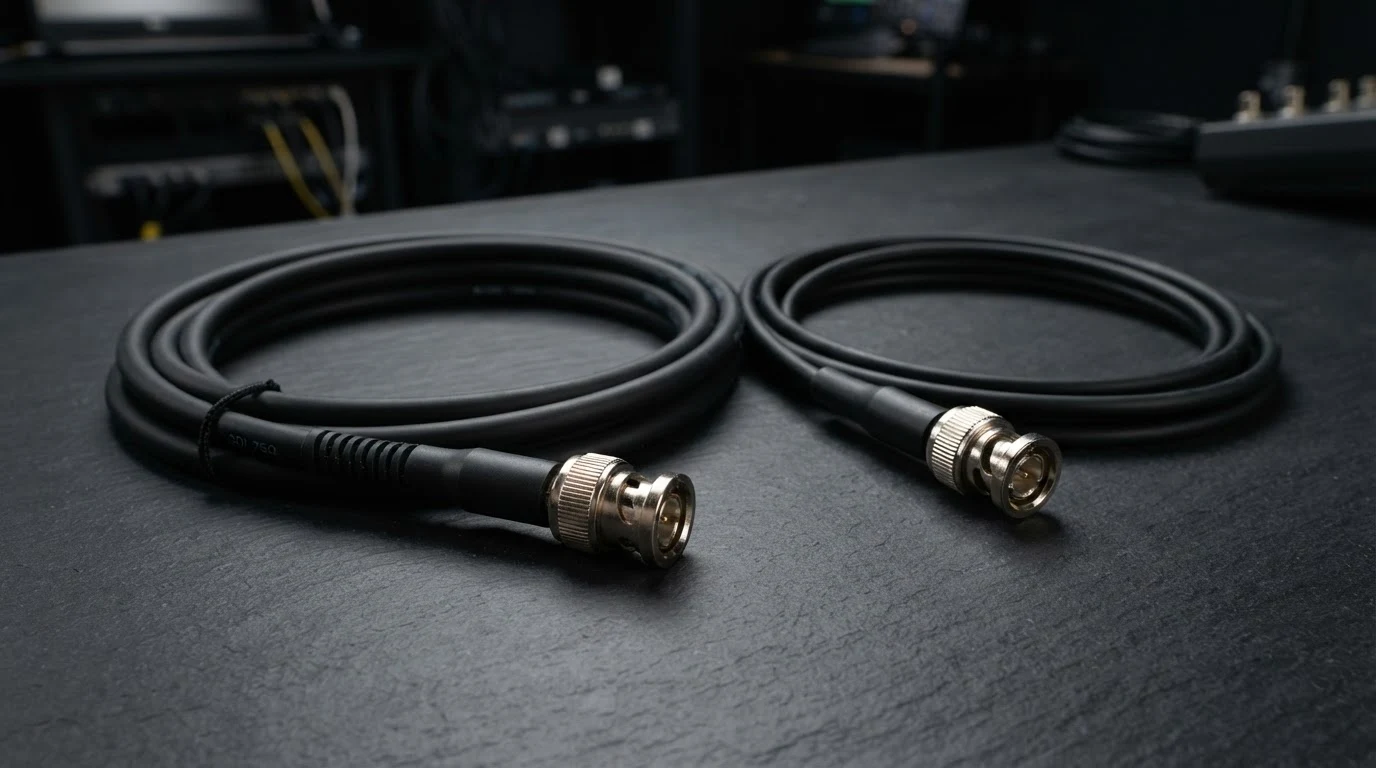
SDI stands for Serial Digital Interface. It is a professional video transmission standard used in broadcast television, film production, and video surveillance. BNC stands for Bayonet Neill-Concelman, which is the connector type used with SDI cables. The BNC connector locks securely onto the equipment, providing a reliable connection that won’t come loose during use.
What Is SDI?
SDI is a professional video standard that transmits uncompressed digital video signals over coaxial cable. It was developed by the Society of Motion Picture and Television Engineers in 1989 and has been updated several times since then. The current versions include HD-SDI for 1080p video, 3G-SDI for 1080p at higher frame rates, 6G-SDI for 4K video, and 12G-SDI for 4K at higher frame rates and 8K video. The maximum cable length for SDI is typically 100 meters at 3G speeds, though this decreases at higher data rates. SDI is the standard for professional video equipment because of its reliability, long cable runs, and locking connectors.
What Is BNC?
BNC is a type of connector used with coaxial cables. It uses a bayonet-style locking mechanism that secures the connector to the equipment with a quarter-turn. This provides a reliable connection that won’t vibrate loose, which is essential in professional environments. BNC connectors are used with several types of video signals, including SDI, analog video, and some types of RF signals. The BNC connector is also used in test and measurement equipment, networking equipment, and some types of security cameras. The key advantage of BNC over other connector types like RCA is its locking mechanism. An RCA connector can be pulled out accidentally, while a BNC connector stays securely in place.
SDI vs HDMI: The Real Comparison
The most useful comparison for SDI is against HDMI, which is the consumer video standard. HDMI is used in home theater equipment, gaming consoles, and computer monitors. SDI is used in professional video equipment. The main differences are cable length, connector type, and cost. SDI cables can run up to 100 meters without signal degradation, while HDMI cables typically max out at 15 meters without a booster. SDI uses locking BNC connectors, while HDMI uses friction-fit connectors. SDI equipment is generally more expensive than HDMI equipment. For home use, HDMI is the better choice. For professional video production, SDI is the standard.
When to Use BNC Connectors
BNC connectors are used in several situations. Professional video production uses BNC for SDI connections between cameras, switchers, monitors, and recorders. Security camera systems often use BNC for analog camera connections. Some older computer monitors used BNC for RGB video connections. Test and measurement equipment uses BNC for oscilloscope probes and signal generators. The key advantage of BNC is the locking connection, which prevents accidental disconnection. This is critical in professional environments where a loose cable can disrupt a live broadcast or a recording session.
Frequently Asked Questions
Is BNC better than HDMI?
BNC is not better or worse than HDMI. They serve different purposes. BNC is a connector type used with SDI video signals. HDMI is a complete video and audio interface. BNC connections are more secure but HDMI carries both video and audio.
Can I convert SDI to HDMI?
Yes, SDI to HDMI converters are widely available. They are used to connect professional video equipment to consumer displays. The converters typically require external power and cost between $30 and $100.
What is the maximum cable length for SDI?
The maximum cable length for SDI depends on the signal type. Standard SDI can run up to 300 meters. HD-SDI typically runs up to 100 meters. 3G-SDI runs up to 100 meters. 6G-SDI and 12G-SDI typically run up to 50 to 70 meters.
Do I need SDI for home use?
No, SDI is not necessary for home use. HDMI is the standard for home theater and consumer electronics. SDI is used in professional video production and broadcast environments where reliability and long cable runs are essential.
Written by James Core, technology writer and audio-visual specialist. Updated July 2026.
SDI Cable Types and Their Specifications
SDI cables come in several different standards, each designed for different video resolutions and frame rates. Standard SDI supports 480i and 576i video at up to 270 Mbps. HD-SDI supports 720p and 1080i video at 1.485 Gbps. 3G-SDI supports 1080p video at 2.97 Gbps. 6G-SDI supports 4K video at 30 frames per second at 6 Gbps. 12G-SDI supports 4K video at 60 frames per second at 12 Gbps. Each successive standard requires better quality cable and shorter maximum cable lengths. The cable quality is measured by its impedance, which should be 75 ohms for SDI applications. The cable should also be properly terminated with compression-type BNC connectors for best signal integrity. Many professional video installations use Belden 1694A or equivalent cable, which is a high-quality 75-ohm coaxial cable designed for broadcast applications. The connectors should be crimped or compression-type, not screw-on, for reliable performance at high data rates.
BNC Connector Types and Variations
BNC connectors come in several variations designed for different applications. Standard BNC connectors are used for most video applications. They have a bayonet locking mechanism with a quarter-turn to secure the connection. 75-ohm BNC connectors are designed for video signals and have a specific impedance that matches the cable. 50-ohm BNC connectors are used for data and RF applications. The two types look similar but are not interchangeable for critical applications. Mini-BNC connectors are smaller versions used in high-density applications like patch panels. Reverse-polarity BNC connectors are used in some wireless applications where the center pin and receptacle are reversed. For most video applications, standard 75-ohm BNC connectors with compression-type crimp termination are the best choice. They provide reliable performance, good signal integrity, and a secure connection that won’t come loose.
How to Choose Between SDI and Other Video Standards
The choice between SDI and other video standards depends on several factors. For home theater use, HDMI is the standard and should be your choice. For professional video production, SDI is the standard and should be your choice. For security camera systems, the choice depends on the camera type. Analog cameras use BNC connectors with analog video signals, while IP cameras use Ethernet cables. For long cable runs over 50 feet, SDI is the best choice because it can transmit signals up to 300 feet without signal degradation. For short cable runs under 15 feet, HDMI is a good choice. For installations that require locking connectors, SDI is the best choice because BNC connectors lock securely. For installations that require both video and audio in a single cable, HDMI is the best choice because it carries both signals. For installations that require the highest reliability, SDI is the best choice because it uses a locking connector and is designed for professional use.
My Experience with SDI and BNC in Professional Installations
I’ve worked with SDI and BNC connectors in various professional video installations over the past several years. The most common installation I’ve done is connecting broadcast cameras to video switchers using 3G-SDI over Belden 1694A cable with compression BNC connectors. These installations are typically in television studios, live event venues, and houses of worship. The key lessons I’ve learned are to use high-quality cable, terminate connectors properly, and test every cable before installation. The most common problem I’ve encountered is intermittent signal loss caused by a poorly terminated BNC connector. This is usually caused by a loose center pin or a bad crimp. The solution is to cut off the connector and terminate a new one. I’ve also encountered problems with cable length. I once installed a 150-foot SDI run that worked fine at 1080p but failed at 4K. The solution was to upgrade to a higher-quality cable with lower signal loss. These experiences have taught me that SDI and BNC are reliable technologies when installed correctly, but they require attention to detail and quality components.
Future of SDI and BNC Technology
The future of SDI and BNC is evolving as video technology advances. The latest SDI standard, 12G-SDI, supports 4K video at 60 frames per second, which is sufficient for most current applications. The next standard, 24G-SDI, is being developed to support 8K video at higher frame rates. However, the trend in professional video is moving toward IP-based solutions like SMPTE ST 2110, which transmits video over standard Ethernet networks. This technology is already being adopted in large broadcast facilities and live event venues. BNC connectors will continue to be used with SDI for the foreseeable future, but the long-term trend is toward IP-based video distribution. For most users, SDI and BNC will remain the standard for professional video for at least the next five to ten years.
Tools and Equipment for Working with BNC Connectors
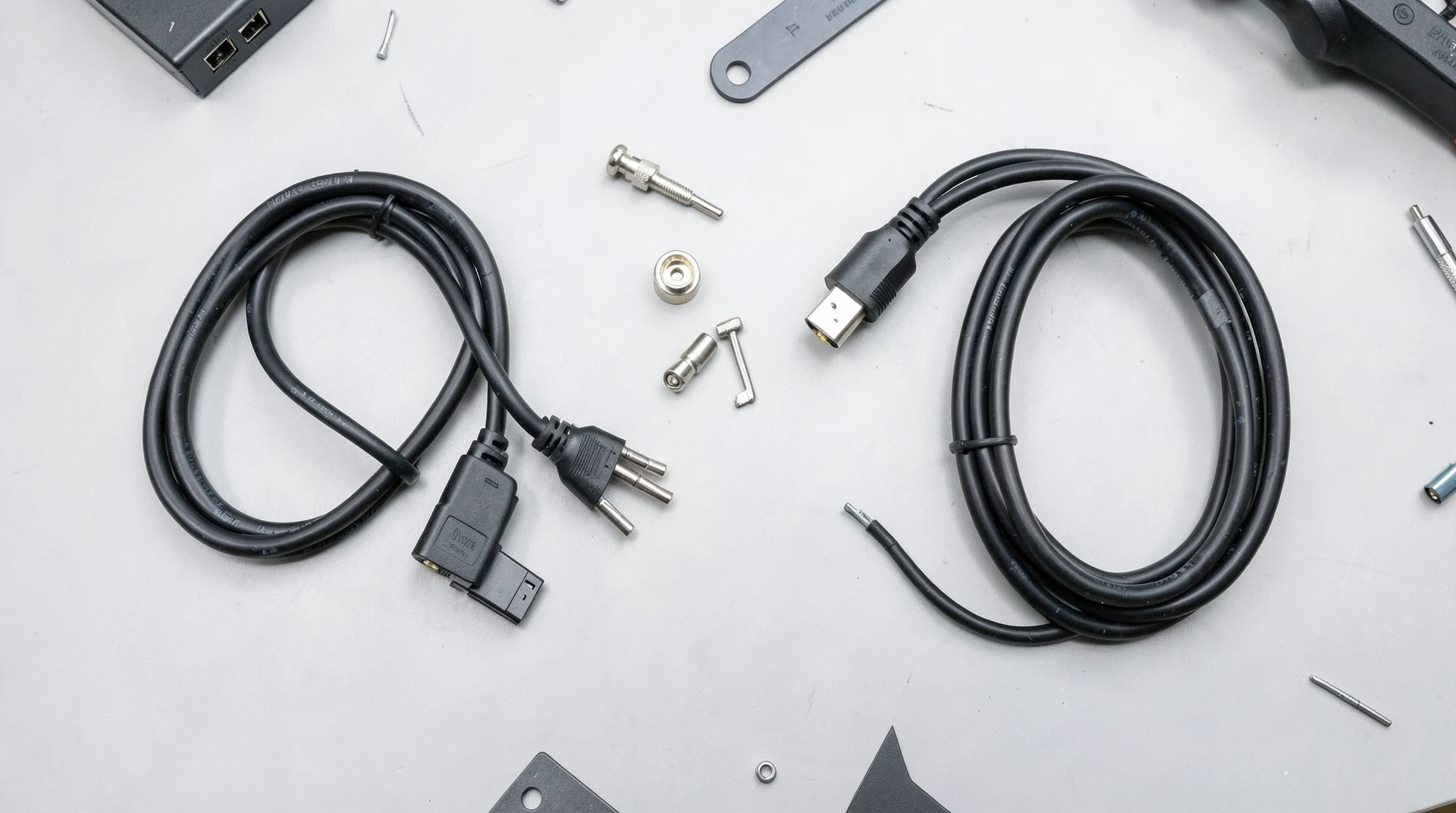
Terminating BNC connectors requires specific tools for reliable results. A coaxial cable stripper is used to remove the outer jacket, braid, dielectric, and center conductor to precise specifications. The most common type is a three-step or four-step rotary stripper that strips all layers in one operation. A crimp tool is used to compress the connector onto the cable. The crimp tool must match the specific connector type. Some connectors use compression-style crimping, while others use traditional hex crimping. A cable cutter is needed to cut the cable to the desired length. A continuity tester or cable certifier is used to verify that the terminated cable works properly after termination. For professional installations, a time-domain reflectometer can be used to measure the cable length and identify any impedance mismatches or faults. The cost of a basic BNC termination kit is about $50 to $100, which includes a stripper, crimp tool, and a set of connectors. A professional-grade kit with a certifier can cost $500 to $2,000. For occasional use, the basic kit is sufficient. For regular professional use, the investment in a certifier is worth the cost because it ensures reliable connections.
Troubleshooting Common SDI and BNC Problems
The most common problem with SDI connections is intermittent signal loss, which is almost always caused by a bad BNC connection. The first step in troubleshooting is to check the BNC connector at both ends of the cable. Make sure the connector is fully seated and the locking mechanism is engaged. If the connection appears secure but the problem persists, try a different cable. The second most common problem is signal degradation over long cable runs. This can cause video artifacts, signal dropouts, or complete signal loss. The solution is to use a higher-quality cable with lower signal loss, reduce the cable length, or add a signal booster or equalizer. The third most common problem is impedance mismatch. SDI requires 75-ohm cable and connectors. Using 50-ohm components can cause signal reflections and degradation. Always use 75-ohm components for SDI applications. The fourth most common problem is using the wrong type of BNC connector. Some BNC connectors are designed for RG59 cable, while others are designed for RG6 cable. Using the wrong connector can cause a poor fit and signal problems. Always match the connector to the specific cable type.
Cost Comparison: SDI vs HDMI Installation
The cost of SDI and HDMI installations varies based on the equipment and cable lengths. SDI cable costs about $0.50 to $1.50 per foot for quality broadcast cable. BNC connectors cost about $1 to $5 each for quality compression connectors. SDI equipment like cameras, switchers, and monitors typically costs more than HDMI equipment. A professional SDI camera can cost $2,000 to $20,000 or more, while a consumer HDMI camera costs $500 to $2,000. An SDI video switcher costs $1,000 to $10,000 or more, while an HDMI switcher costs $200 to $1,000. For a typical installation with cable runs under 50 feet, the total cost of an SDI installation is about 50 to 100 percent more than an equivalent HDMI installation. For cable runs over 50 feet, SDI becomes more cost-effective because HDMI requires signal boosters or extenders that add cost and complexity. For installations over 100 feet, SDI is the only practical option.
Related posts